
Avast Business next-gen Antivirus with Patch Management
Times are changing, and antivirus protection alone is no longer enough to stay protected. Adding Patch Management, which will identify critical vulnerabilities and quickly deploy updates to endpoints, is crucial for building that additional layer of endpoint protection.
Start free trial


Award Winning Protection
How does Patch Management work?
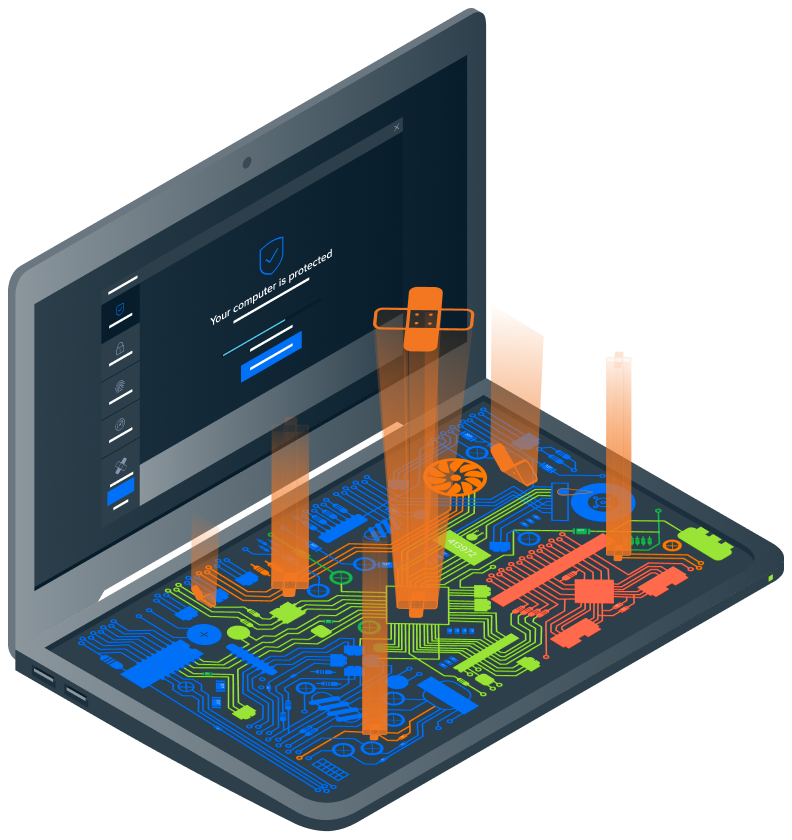
Patch Management helps you easily manage, maintain, and update Windows and thousands of third-party applications. It takes the guesswork out of patching by identifying critical vulnerabilities, so you can deploy patches quickly and efficiently, all from a single console.

Scan devices for missing patches
Select the frequency of the patch scan (daily/weekly/monthly) and schedule when you’d like the scan to take place.

Deploy patches
All vendor and software applications, as well as vulnerabilities, will be patched automatically. You may also exclude individual ones from application patching.

Review patch status
From the dashboard, you’ll see missing patches, patch name, and severity level, along with release notes, release date, and more.
With Patch Management, you’ll be able to:

Stay ahead of vulnerabilities
Keep Windows operating systems and thousands of other third-party applications up to date automatically to prevent possible security gaps.

Ensure compliance
Identify and patch outdated or failed-to-install software to ensure company and regulatory compliance, and prevent security breaches.

Centralize management
Stay in complete control of patches with centralized management that allows you to scan devices, set schedules, and receive reports, all from a single console.
Combine next-gen Antivirus with Patch Management for advanced endpoint protection

Complete endpoint security
Bundle our antivirus protection with Patch Management for two layers of robust endpoint defense.

Streamline efficiencies
Save time by having multiple defenses working to keep you protected, and deploy both from one console.

Customized protection
Configure antivirus and Patch Management to work together according to how you need them.
Don’t take our word for it
Here are a few testimonials from our customers
Nichole Carver
Marketing Director
RidgeCrest Herbals
Zack Collins
IT Guy
Real Estate
Pete Cockett
Support Manager
CI
System requirements
We’re not demanding. All you need is a PC with Windows 7 (Service Pack 1), 8, 8.1, 10, 11 (Pro, Education, Enterprise, CB, CBB, LTSB)
We also support Windows Server (64-bit version) 2019 (excl. Server Core Edition), 2016, 2012, 2008 R2 (latest Service Pack), Microsoft Exchange Server (64-bit version) 2019, 2016, 2013, 2010 (Service Pack 2) and Microsoft SharePoint Services 3.0 and Microsoft SharePoint Server 2010 and higher.
We also support Windows Server (64-bit version) 2019 (excl. Server Core Edition), 2016, 2012, 2008 R2 (latest Service Pack), Microsoft Exchange Server (64-bit version) 2019, 2016, 2013, 2010 (Service Pack 2) and Microsoft SharePoint Services 3.0 and Microsoft SharePoint Server 2010 and higher.

Keep your devices, users, and data updated and protected

 © 2026 Gen Digital Inc.