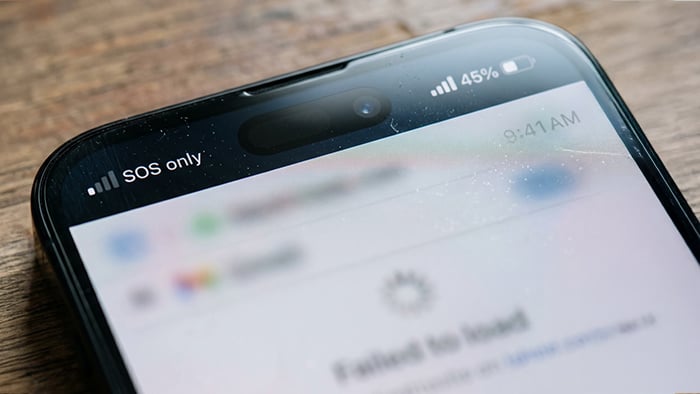
The hits to your daily routine, or just cybersecurity scares at large, seem to keep on coming over as Microsoft’s Outlook and Teams recently suffered a global outage that affected businesses and government offices. Customers of several major banks like Wells Fargo and Chase reported being unable to log into their accounts.
Trouble with communication caused the FAA to ground all flights in the U.S., disrupting travel. Apple also suffered its own outage. And then there was a situation reported by Newsweek where it was found that attackers used a compromised third-party platform to serve malicious JavaScript to visitors of websites associated with 178 organizations, including Zoom and CNN.
This many tech outages within a short amount of time can feel overwhelming. Though most of these events were not cyberattacks, that doesn’t mean there wasn’t an impact on your digital life. And in some cases, tech outages can pave the way for scammers because many people are waiting for an email from a company to let them know when their account access is restored. That can be a target-rich environment for phishing attacks.
Here’s the impact these outages can have on you and what you can do about it.
Why one outage can affect so many parts of your life
Many services you rely on — email, banking, shopping, travel, and work — depend on shared infrastructure and outside providers. If one of those systems fails, a technical fault or cyberattack can disrupt several services at once, even when the companies behind them are unrelated.
The real risks to your personal security
Outages can make completing your daily tasks a hassle, but they can also present opportunities for scammers. While many people are waiting for communication from these companies to fix their accounts or rebook their flights, that leaves an opening for scammers to fake an email to get your personal information. On top of that, there have been recent cyberattacks affecting many websites. Depending on the information gained from that attack, people are potentially facing more problems.
Risks lie in either scenario. Common ones include the following:
-
Phishing that exploits confusion: When a bank app or login page is down, people look for answers fast, so scammers capitalize on this and send texts and emails claiming to be from the bank, offering “fixes” or asking you to verify your account through a link, or calling and pretending to be customer support. Don’t click links in unexpected texts or emails; instead, open your bank’s official app or type its website address directly.
-
Fake outage notices and support scams: Fraudsters post fake status pages, social media replies, and search ads that appear to offer help. Clicking through can lead to credential theft or malware.
-
Account lockouts that push people into bad decisions: If you’re locked out of email or banking, you may be tempted to share a password or one-time code with someone who claims they can help. Legitimate companies will not ask for those codes.
-
Credential reuse: If a password exposed in one breach is used on your bank, email, or shopping account, attackers can try it across other services. This is one of the most common ways accounts get taken over.
-
Delayed notice of exposure: Companies often take time to determine what data was affected. In the meantime, the information may already be for sale or being used in scams.
Here’s what you can do to protect yourself
The first step when outages or breaches happen is not to panic. When something like this happens (or when many things like this happen seemingly simultaneously), watch your bank and card statements and be cautious with unexpected messages.
Here are other practical steps you can take to protect yourself:
-
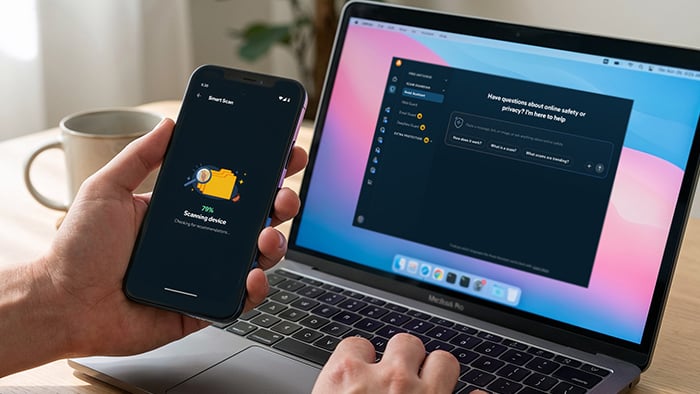
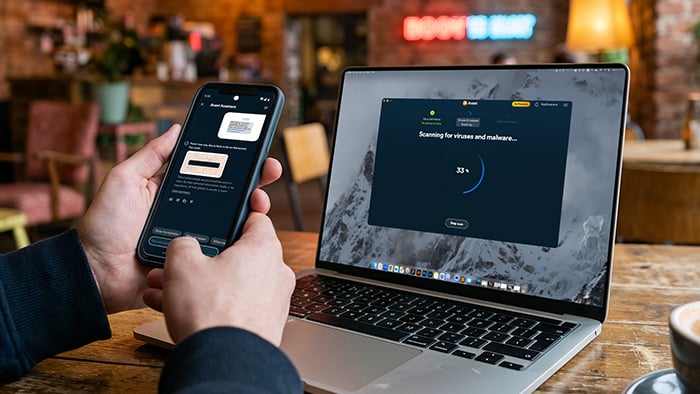
Get alerted to AI-powered scams: AI makes it easier for scammers to create convincing messages impersonating banks, airlines, and support teams. Avast Scam Guardian helps flag suspicious websites, while Avast Assistant lets you check unexpected messages and links for scam warning signs before you act. Both features are available as part of Avast Free Antivirus.
-
Turn on multi-factor authentication everywhere it’s offered: Use an authenticator app or a security key where possible, not just text messages.
-
Use a unique password for every account: This keeps one stolen password from becoming a key to your email, banking, and other accounts, limiting the damage if one service is breached.
-
Change passwords for any accounts you’ve reused, or that could be affected: Start with email, since it’s the key to resetting everything else.
-
Verify messages before you click links: If your bank or airline is having problems, go to the official app or type the web address yourself (provided it isn’t down). Ignore links in unexpected texts and emails.
-
Never share one-time codes or passwords: Your bank, airline, and other services will never ask you to read a code back to them over the phone or chat.
-
Check your statements and sign-in activity: Look for transactions, login alerts, or account changes you don’t recognize, and review recent security activity on your email account.
-
Use a trusted VPN: Avast Premium VPN can help keep your browsing private and your data secure while surfing on unsecured Wi-Fi, adding another layer of protection.
-
Save your recovery options: Store backup codes and recovery email addresses somewhere secure, so you aren’t locked out if an outage hits at the same time you need to log in.
-
Review which apps and services still have access to your data: Revoke permissions for apps you no longer use and delete old accounts you don’t need.
-
Keep devices updated: Install operating system and app updates promptly, and keep your security software current.
-
Consider monitoring for breaches: Avast BreachGuard can alert you when data linked to your monitored email addresses is found on the dark web and guide you through securing affected accounts, so you can change exposed passwords sooner.
How Avast can provide an extra step of protection
The bottom line is that with everything that is going on in the world today, having expert assistance can’t hurt. Avast helps you stay safe in the moments when things feel most uncertain, with user-friendly security systems designed to help you when and where you need them. For example, Avast Free Antivirus is a top-rated software with anti-scam protection, helping to detect and block malicious websites and links while you browse.
When services go down, scammers move in. Avast helps you stay one step ahead by catching threats before they reach you and giving you the tools to lock down your accounts.


 Contains AI modified or generated content.