- Security
- Privacy
- Performance
Download SecureLine VPN for iOS
Instantly boost your online privacy and security on iPhone or iPad with SecureLine VPN, securing your connection with bank-grade encryption whenever you go online. Experience an iOS VPN you can trust with a 60-day free trial.
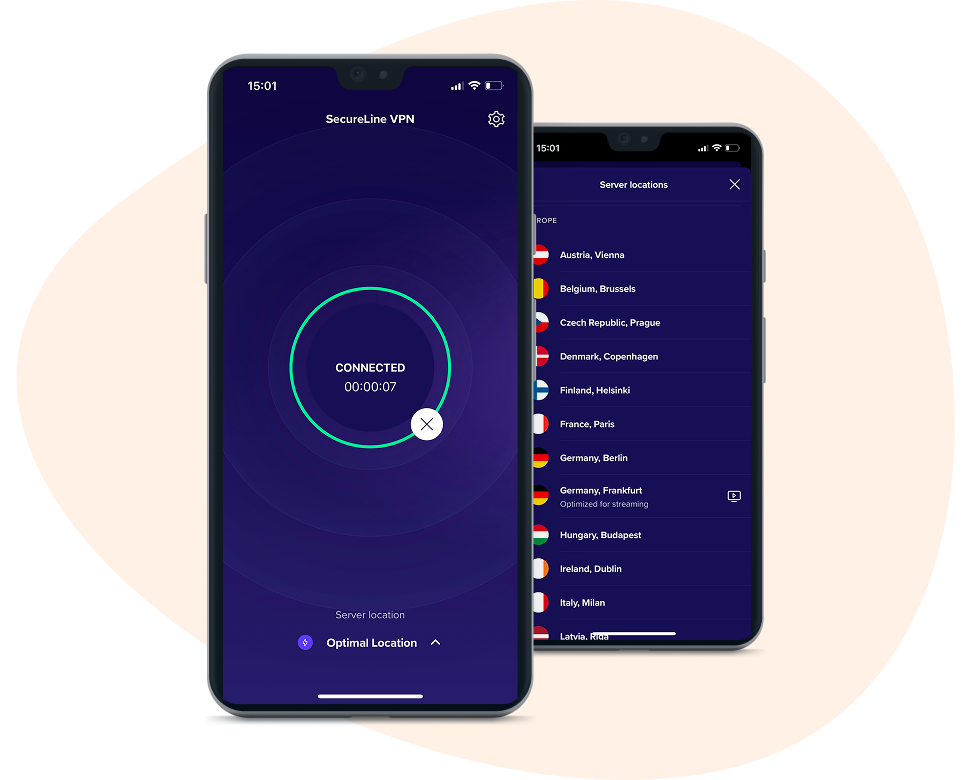

Connect securely

Access the content you love

Lightning-fast browsing

Ironclad privacy
An iOS VPN built just for you
An iOS VPN built just for you
Protect your privacy, secure your personal data, and access all the content you want with an iOS VPN app that integrates seamlessly with your iPhone and iPad. Start your free trial today and protect up to ten devices at once with a single account.
The benefits of SecureLine VPN for iOS

All the content you want
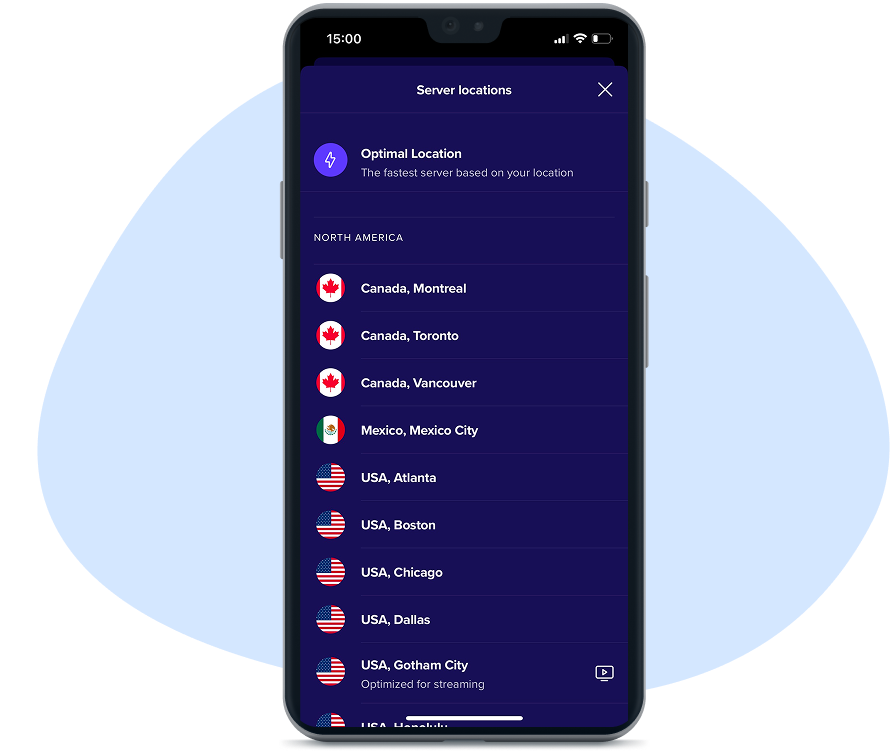
Enjoy borderless access to all your favorite content from around the world with 100+ global server locations.
Instant privacy
Hide your IP address and mask your online activity to throw advertisers and web trackers off your trail.

Apple-approved security
Get a dedicated VPN app for iPhone using Apple-approved IPSec security to encrypt your internet traffic.

No bandwidth caps
Stream all the TV, movies, and music you love and play your favorite games with an unlimited iPhone VPN.

Lightning-fast speed
Connect to a global network of geo-optimized servers built for speed and reliability with the best VPN for iOS.

Ironclad digital privacy
Help keep ISPs, employers, hackers, and third-party companies from accessing your personal data.
All the content you want
Enjoy borderless access to all your favorite content from around the world with 100+ global server locations.
Instant privacy
Hide your IP address and mask your online activity to throw advertisers and web trackers off your trail.
Apple-approved security
Get a dedicated VPN app for iPhone using Apple-approved IPSec security to encrypt your internet traffic.
No bandwidth caps
Stream all the TV, movies, and music you love and play your favorite games with an unlimited iPhone VPN.
Lightning-fast speed
Connect to a global network of geo-optimized servers built for speed and reliability with the best VPN for iOS.
Ironclad digital privacy
Help keep ISPs, employers, hackers, and third-party companies from accessing your personal data.
The best VPN for iOS, by the numbers
When you partner with the leaders in cybersecurity, you know you’re getting a top-tier VPN that delivers the performance, speed, and reliability you expect — and deserve.

256-bit
AES encryption
We secure your data with the same level of encryption that banks use.

100+
locations in 60+ countries
Wherever you are and whatever you need to do, we’ve got a server to get you there.

2 GB
per second
Get speeds of up to 2 Gbps, with average speeds of 450-600 Mbps, even during peak demand.

10
devices at once
Secure up to 10 iOS, MacOS, Windows, and Android devices at once with a single account.
Instant privacy and security on the go
Instantly turn any Wi-Fi network into a securely-encrypted internet connection and protect your identity and browsing activity with an anonymous virtual IP address.
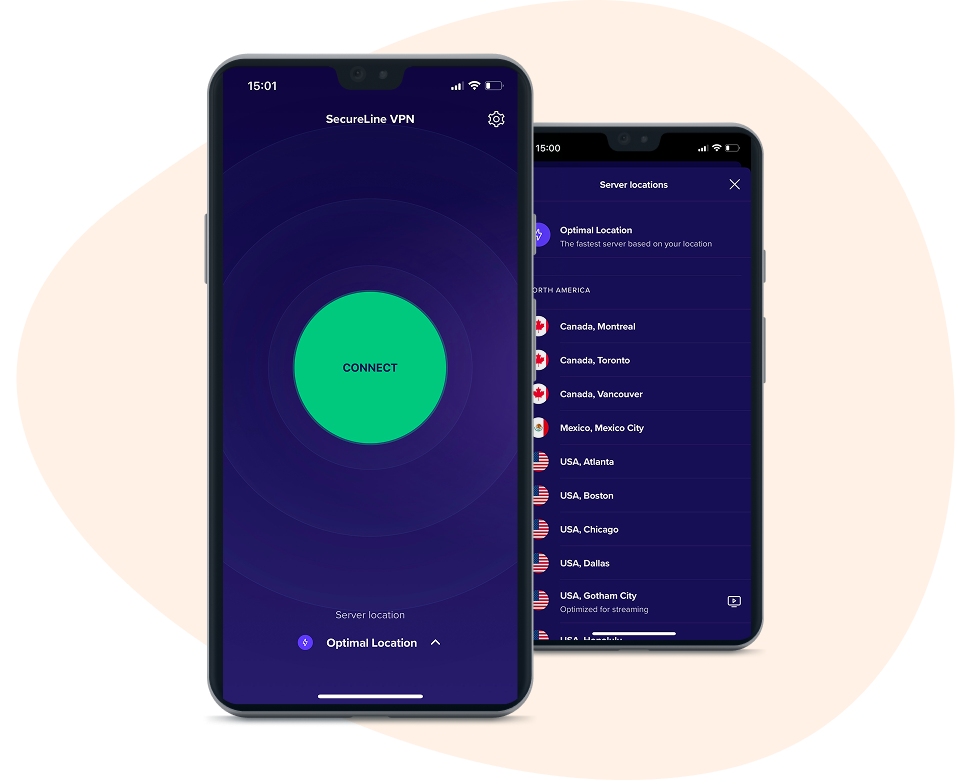
Connect to the fastest server instantly
Connect to the fastest server instantly
Protect your data with an instant connection to our fastest server, specially chosen based on your location.
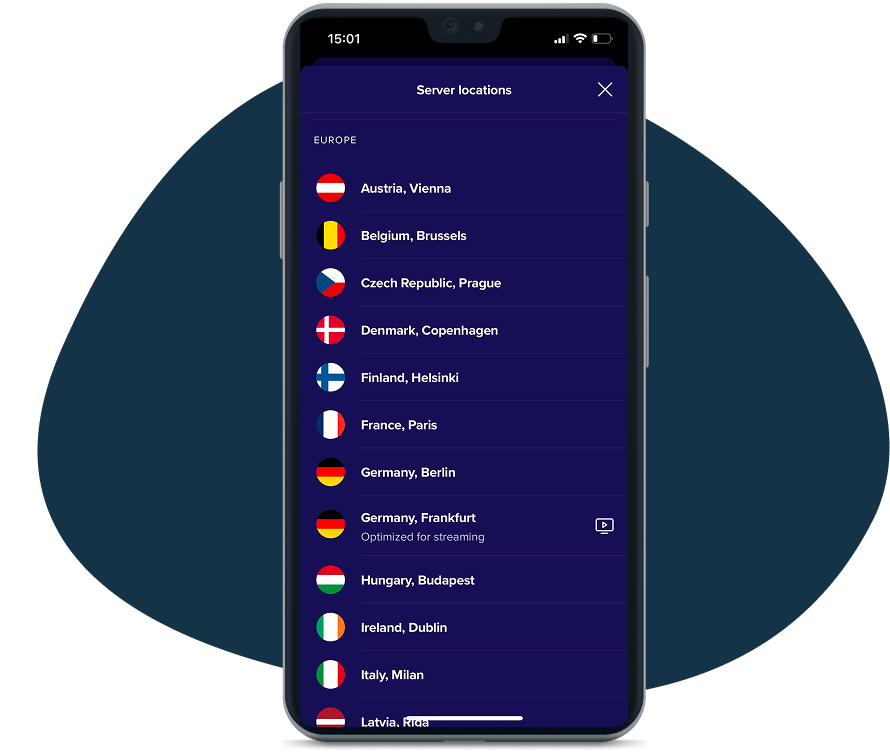
Hop around the globe
Hop around the globe
Get an IP address in over 100 server locations worldwide, or auto-connect to a performance-optimized server nearby for slick streaming or gaming.
Auto-connect anytime you're online
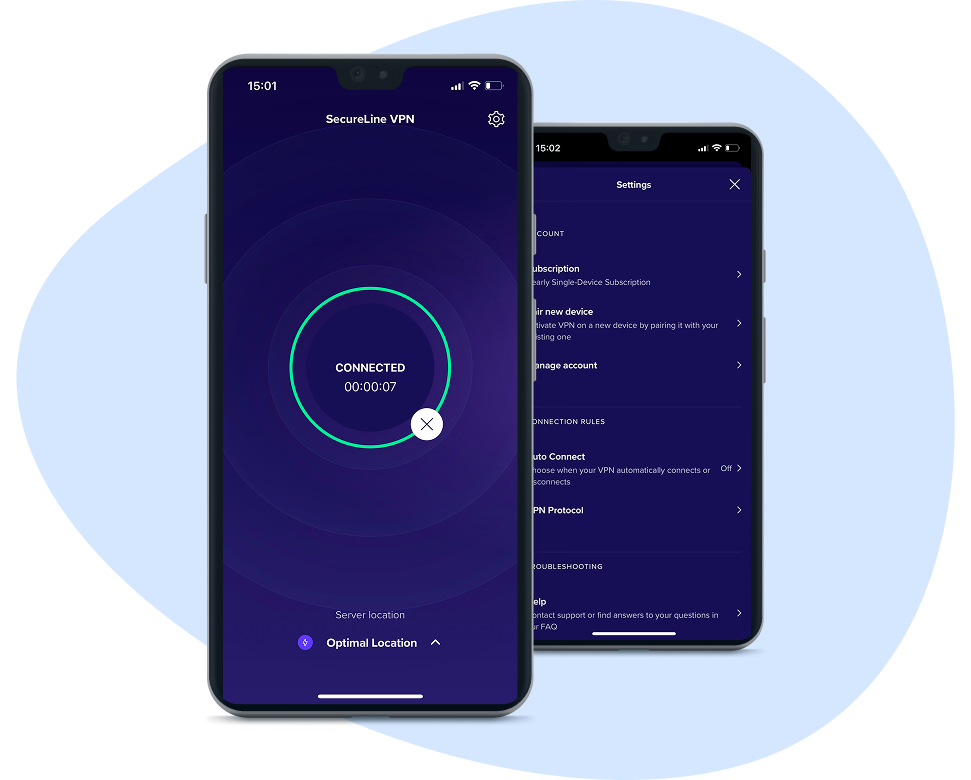
Auto-connect anytime you're online
Set SecureLine VPN to automatically connect whenever your phone is online. That way, you’re always protected by 256-bit AES encryption.
We've got your other devices covered, too
Install your new favorite iOS VPN app on all of your devices. With a single account, enjoy the industry-leading privacy and security of SecureLine VPN on up to ten devices at once.
Windows
Mac
Android
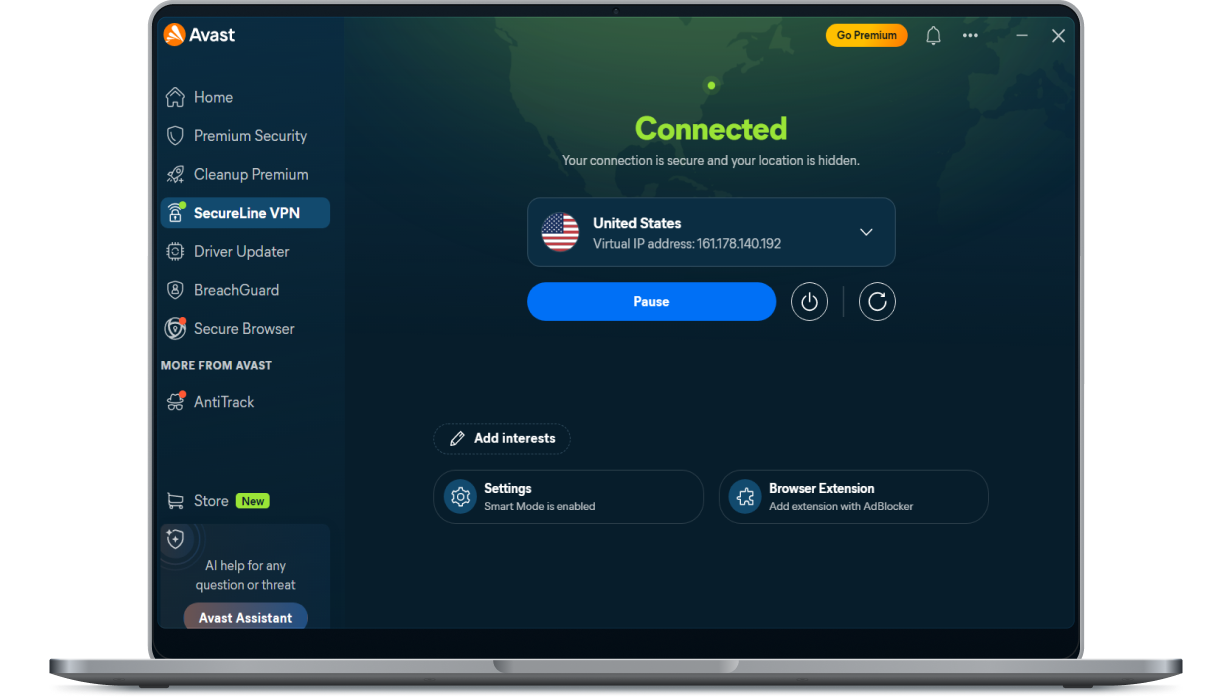
Hide your IP address and keep hackers out of your personal data with SecureLine VPN for Windows.
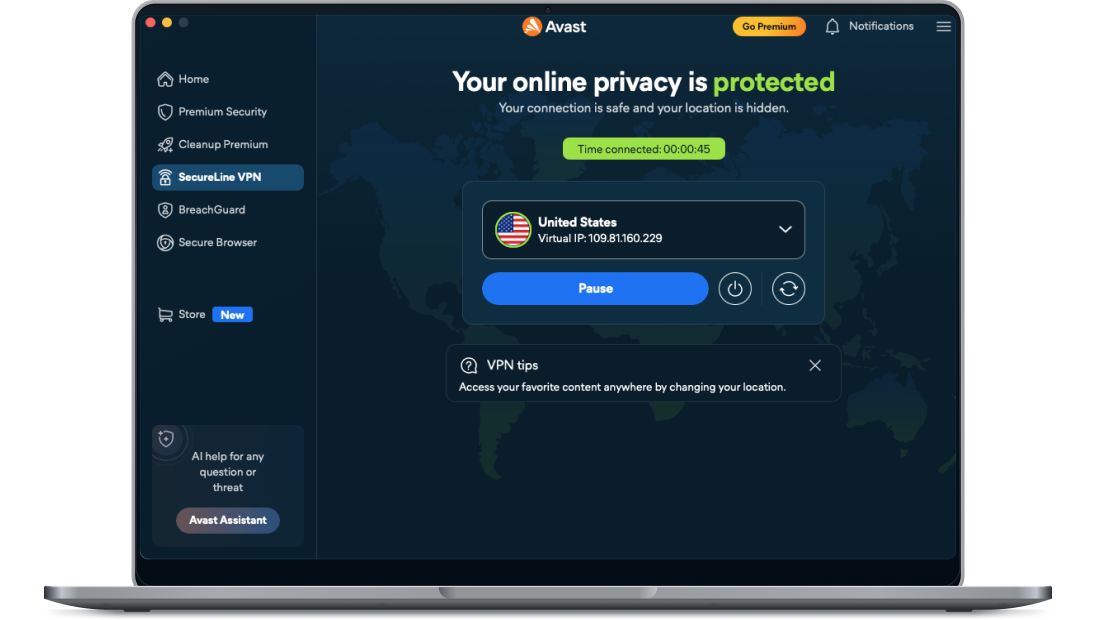
Stay safe and anonymous on your macOS computer with SecureLine VPN for Mac.
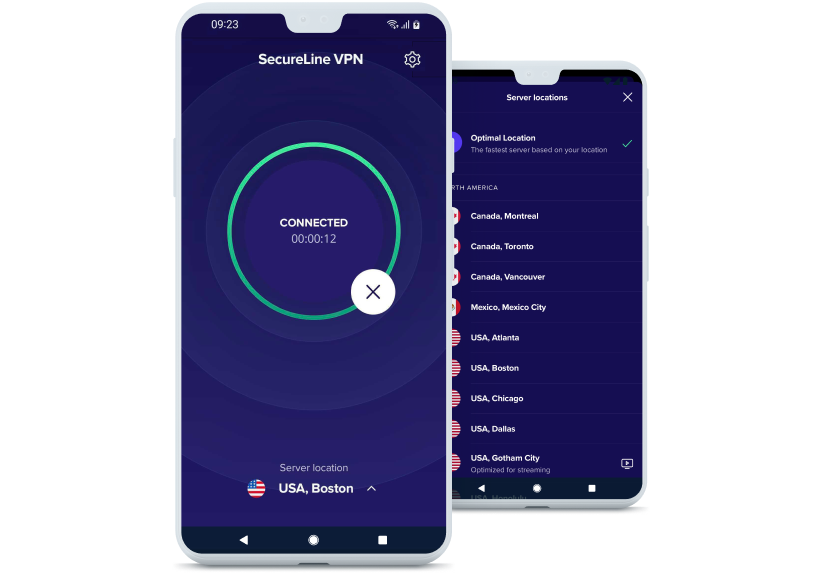
Protect your internet traffic and access all your favorite content on the go with SecureLine VPN for Android.
Other tools


Discover more about using a VPN for iOS