1. Entreprises
  2. Resources
  3. Protection against linux ransomware

Linux ransomware: How to protect your business

Protecting your business from ransomware is challenging, particularly when a variety of operating systems are in use, each with their own levels of security and risk. With employees likely to be using a combination of Windows, MacOS, Linux and mobile operating systems, it can be difficult to be sure your business security is consistent.

This article looks at Linux ransomware: What it is, how much security it offers, the different types of ransomware that target devices running Linux, and what you can do to protect against its threat.

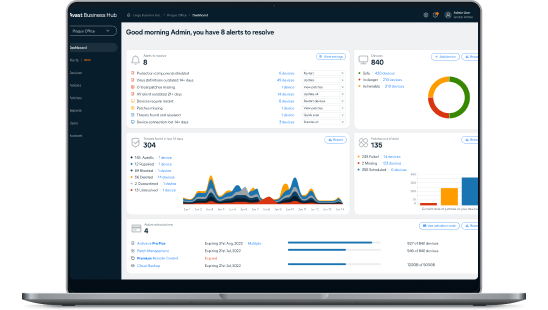
Try the Avast Business Hub FREE for 30 days

Enjoy enterprise-grade security whatever the size of your business. Download the Avast Business Hub and try it for 30 days, risk-free.

protection-against-linux-ransomware

What is Linux ransomware?

De manière générale, un ransomware (rançongiciel) pour Linux est un type de logiciel malveillant qui peut attaquer les systèmes basés sur le système d'exploitation Linux (y compris les distributions telles que Ubuntu et Debian). Ce type d'attaque consiste à s’infiltrer dans un appareil ou un réseau, pour identifier des documents importants et les chiffrer. L’attaque est souvent accompagnée d'une note de rançon, exigeant un certain montant pour la restitution des fichiers cryptés. Si cela a de quoi faire peur à des particuliers, les dommages que cela peut causer à des entreprises peuvent être irréparables en termes d’opérations et de confiance client.

Is Linux safe?

While Linux has a reputation for providing strong security measures, making it a popular option for business servers, the truth is that no operating system (OS) is completely safe from malware attacks. The nature of malware is such that human error can often be the cause of a breach – through phishing, using weak passwords, or failing to implement updates when they are available.

One of the positives for Linux users is that security updates are not only regular, but are generally considered to be highly effective, giving your system some of the best OS security available.

Another positive is that Linux automatically assigns restricted access permissions, meaning that if a malicious hacker gains access to a user account, it is less likely they will be able to access secure data or gain admin controls.

Windows and Mac operating systems are more widely used than Linux, but bad actors know that Linux is growing in popularity as the system for business servers. By gaining access to a Linux system, hackers are much more likely to be accessing a server rather than a single endpoint. For this reason, businesses should not be complacent – you must use antivirus software to reduce the risk of being attacked.

Ransomware on Linux: What happens?

Linux ransomware is an increasing concern for businesses using Linux servers. Understanding the process is vital for being able to spot suspicious network activity and other red flags. The approach from attackers varies, but the following represents the typical stages of a Linux ransomware attack.

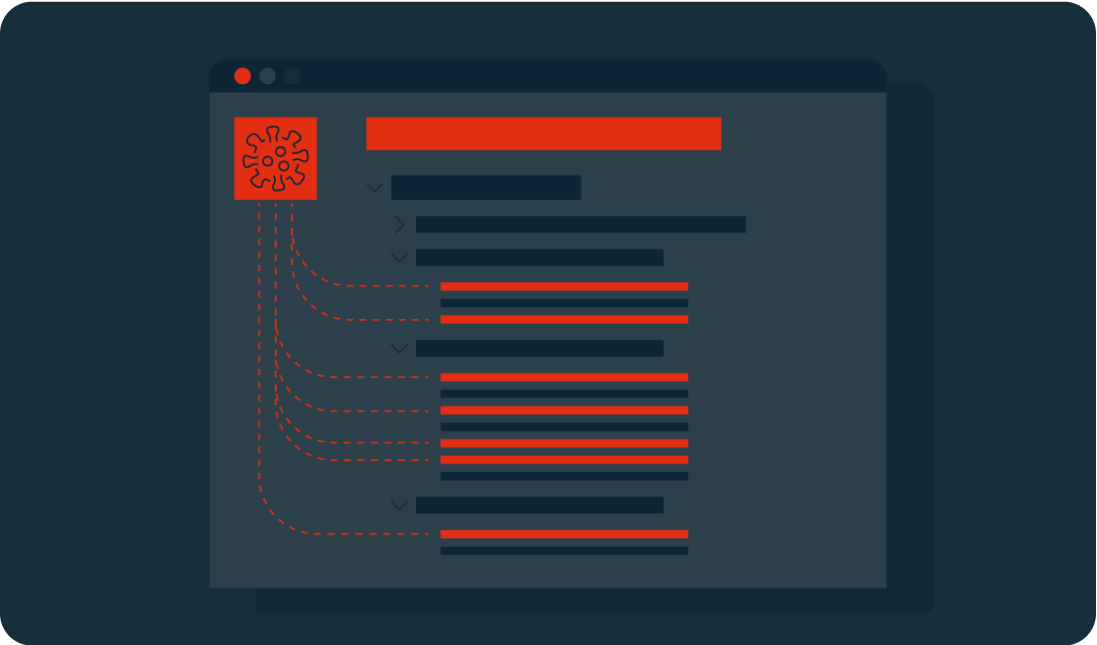
1. Exploitation des vulnérabilités

Pour accéder à un réseau et se propager, les ransomwares Linux s'appuient généralement sur ses vulnérabilités. Il peut s'agir d'un simple processus système non corrigé ou d'une faille dans un service. Cette vulnérabilité peut n’avoir aucun impact sur l'utilisation quotidienne et facilement passer inaperçue.

Certaines formes de ransomware Linux utilisent des scanners pour identifier les vulnérabilités par injection SQL qui pourraient permettre un accès administrateur. Ainsi, l'application des mises à jour et des correctifs est essentielle pour corriger les vulnérabilités connues.

Initializing the ransomware

2. Set up

Once the ransomware is in place, it will request the download of malicious executables (typically a worm, Trojan, or virus), which can then be positioned in the network’s local directories. At this point, it will begin to function. This could mean giving itself certain access permissions and the ability to run at boot or in recovery mode.

In some cases, the ransomware will use privilege escalation to access features typically used only by high-level administrators. This bypass means that the malware could view and edit any data.

Key generation and exchange

3. Scan

The ransomware will scan the system looking for shared folders and files with specific extensions. These targets are predetermined and are likely to include document files (.PDF, .DOC) and software related to the cloud or network storage.

The malware may still not have been noticed by your business, but it could have established itself on your server and already targeted the files it will hold for ransom.

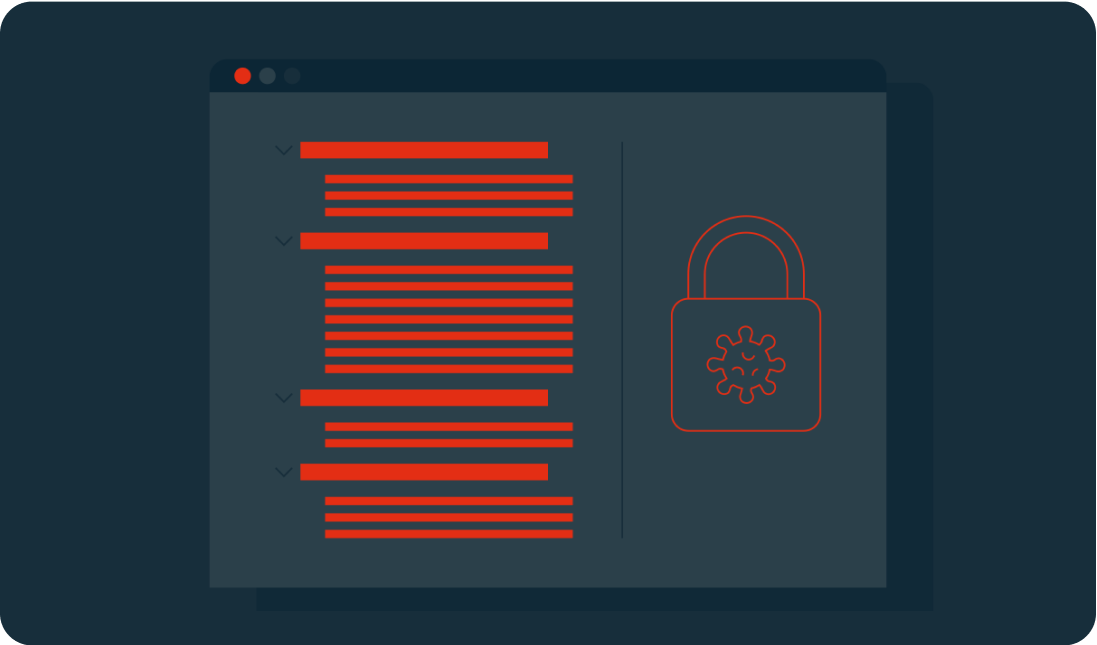
Encryption

4. Chiffrement

À ce stade de l'attaque, le ransomware crée une version chiffrée des fichiers cibles, et supprime leur original. Selon le type de chiffrement utilisé, la récupération des fichiers peut être impossible.

De nombreuses méthodes de chiffrement sont dites asymétriques, car elles utilisent deux clés, une pour chiffrer les données et une pour les déchiffrer. En général, une clé est publique et visible, mais l'autre est privée et détenue uniquement par son créateur. Le ransomware contacte alors le serveur du cybercriminel pour obtenir une clé publique et lancer le processus de chiffrement.

Demands

If devices are not connected to the network at this point, the attacker will wait until the users are back online before also encrypting their files.
Common types of encryption include:

  • AES – the Advanced Encryption Standard (Rijndael) is a standard created by the U.S. National Institute of Standards and Technology. Keys can be 128, 192, or 256 bits (the higher the number is, the more complex the encryption).
  • RSA – is a public-key system that was developed in 1977. Its name is an acronym of its three creators: Rivest-Shamir-Adleman. They are typically 1024 or 2048 bits long, making them difficult to break.

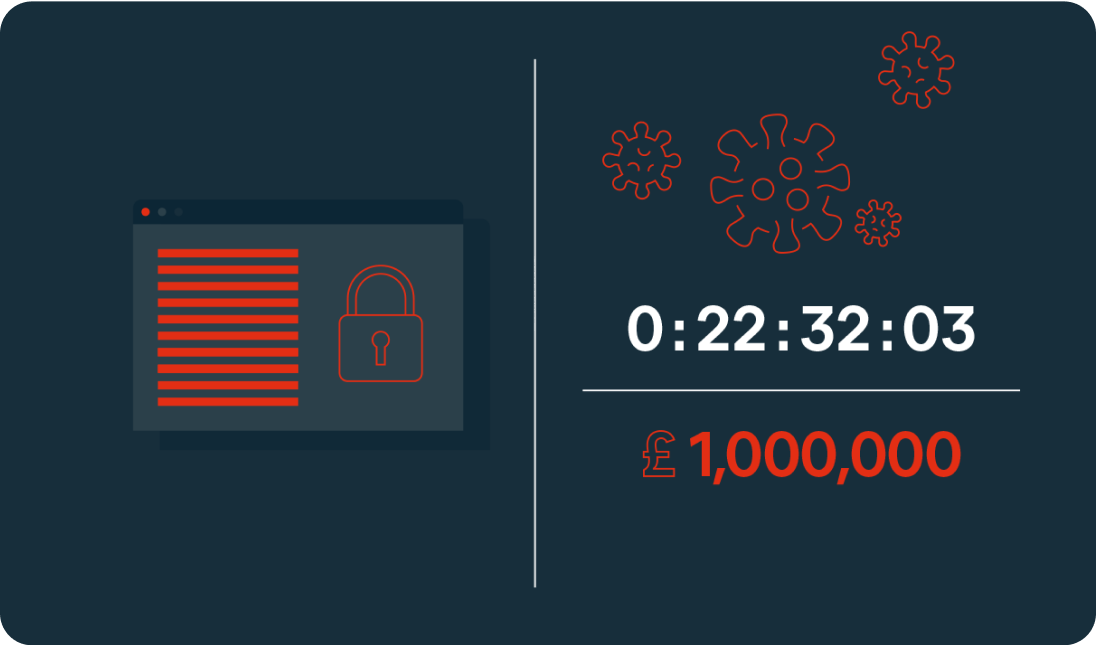
5. Demands

In the final stage, the demands of the extortion are made through a ransom note. This may be in the form of a startup message, a document placed on a desktop, or in the location of the encrypted files. The ransom will usually include payment instructions. Some will also include a deadline or countdown, which could see the ransom increase over time or threaten permanent file deletion if payment is not made in time.

At this point, the ransomware has completed its task.

Sodinokibi Decryption

Types of Linux ransomware

Tycoon

The first instance of Tycoon was spotted in 2019. It is typically used to attack SMBs and higher education organizations. It can infect both Linux and Windows devices.

System access is gained through a ZIP archive containing a malicious Java image file. An unsecured remote desktop protocol is then used to execute the Java object, which will encrypt the system and leave a ransom note.

Attacks typically offer a 60-hour window for payment via Bitcoin. In some cases, the amount increases daily.

QNAPCrypt

This attack focuses on Linux-based network-attached storage (NAS) devices. Distribution is typically through fake updates and infected files, including ZIP archives.

QNAPCrypt’s point of entry is flawed authentication of a SOCKS5 proxy (an alternative to a VPN that protects data packets during transfer) and has a low detection rate. Once a system is compromised, the malware requests a Bitcoin wallet and a public RSA key from the hacker’s server before encrypting the victim’s data.

Once encryption is complete, the ransom information is left in a .txt file. Each victim is given a unique Bitcoin wallet in which to pay the ransom, helping the attackers avoid detection.

RansomEXX

Ces dernières années, RansomeXX (également connu sous le nom de Defrat777) est devenu l'une des formes de ransomware ciblant le plus Linux. Au départ, il s'agissait d'un logiciel malveillant Windows, mais il a été de plus en plus utilisé pour attaquer des serveurs Linux, notamment contre le gouvernement brésilien, le ministère des transports du Texas et l'hôpital universitaire de Brno (République tchèque).

Ce type de ransomware est surnommé « chasseur de gros gibier », car il est souvent utilisé pour cibler de grandes organisations et des gouvernements afin d’obtenir de grosses rançons. Plutôt que de s'attaquer à plusieurs terminaux, le malware se dirige directement vers le serveur, limitant l'accès aux fichiers à leur source – ce qui fait des serveurs Linux une cible privilégiée pour ce type d'attaque.

RansomeEXX est généralement diffusé par un e-mail contenant un document Word malveillant. À l’ouverture du document, un cheval de Troie est téléchargé sur le système de l'utilisateur, chiffrant les fichiers et générant une clé de chiffrement de 256 bits. La clé est ensuite re-chiffrée toutes les secondes.

Erebus

Erebus was first seen in 2016 as a Windows-based ransomware. It was used for the first time against Linux systems in 2017 for a high-profile attack on the South Korean web hosting company NAYANA. 153 Linux servers and more than 3,400 business websites were affected. The ransom of $1 million in Bitcoin set a record at the time for the highest fee paid.

Erebus relies on the user clicking on malicious links or opening infected emails attachments. It can also gain access to a system through malicious software, such as fake installers.

The ransomware scans for a wide range of file types to encrypt including databases, archives, and documents. The encryption process used is difficult to crack, as it uses a blend of three different cryptosystems (RSA-2048, AES and RC4). The ransomware also deletes Shadow Volume Copies of the operating system, making recovery even harder.

KillDisk

KillDisk is another ransomware that began on Windows before being adapted to Linux. The Linux version of KillDisk encrypts each file with a different set of 64-bit encryption keys. It then prevents the system from booting by overwriting the bootloader, instead presenting the user with a full-screen ransom note demanding payment in Bitcoin.

The Linux version of KillDisk then varies from Windows: The keys required to decrypt the data are not stored locally or sent to a server during a Linux attack, meaning that the encryption tool was most likely written to be destructive rather than for extortion. If no encryption key exists, the files are unlikely to ever be recovered, regardless of whether the ransom is paid.

Protect against Linux ransomware

Les ransomwares Linux constituent une menace croissante, en particulier pour les professionnels. Voici quelques mesures à prendre pour protéger votre entreprise contre les attaques de ransomware :

  • Installez régulièrement vos mises à jour. Tous vos serveurs et terminaux doivent rester à jour. Les correctifs de sécurité et les correctifs logiciels doivent toujours être installés dès leur parution.
  • Restreignez les autorisations d'accès. Les autorisations d'accès aux comptes utilisateurs doivent, par principe, être réduites au strict minimum. Chaque collaborateur ne doit avoir accès qu'aux fichiers et applications dont il a besoin pour accomplir son travail.
  • Sauvegardez vos données. Vous devez absolument conserver des sauvegardes sécurisées de vos données fin de minimiser les dommages potentiels d'une attaque.
  • Établissez une stratégie de sécurité. De nombreuses attaques reposent sur l'erreur humaine afin d’accéder à un réseau. Ce risque peut être considérablement réduit en mettant en place une stratégie de sécurité qui comprend la formation du personnel, la mise en œuvre de logiciels de sécurité et l'application des meilleures pratiques en matière de mots de passe, d'e-mails sécurisés et de sécurité des points d'accès.
  • Effectuez régulièrement des inspections et des évaluations de la vulnérabilité. Les systèmes doivent être minutieusement surveillés et évalués à intervalles réguliers. Les journaux d'événements doivent être examinés dans le cadre de ce processus afin d'identifier les activités suspectes.
  • Disposez d'un plan d'intervention. De la même manière qu'un bureau dispose d'un plan de sécurité incendie, une stratégie en matière de ransomware doit être mise en place pour que le personnel sache quoi faire en cas d'attaque. L'objectif est de minimiser les dommages et de garantir une reprise en douceur.


Find out more in the article “How to secure your Linux server”.

Advanced antivirus for Linux servers

While Linux offers some of the best OS security available, it is not enough on its own to keep your business data and server safe and secure. Protect your company with dedicated Linux malware and endpoint protection.