1. Para empresas
  2. Resources
  3. Protection against linux ransomware

Linux ransomware: How to protect your business

Protecting your business from ransomware is challenging, particularly when a variety of operating systems are in use, each with their own levels of security and risk. With employees likely to be using a combination of Windows, MacOS, Linux and mobile operating systems, it can be difficult to be sure your business security is consistent.

This article looks at Linux ransomware: What it is, how much security it offers, the different types of ransomware that target devices running Linux, and what you can do to protect against its threat.

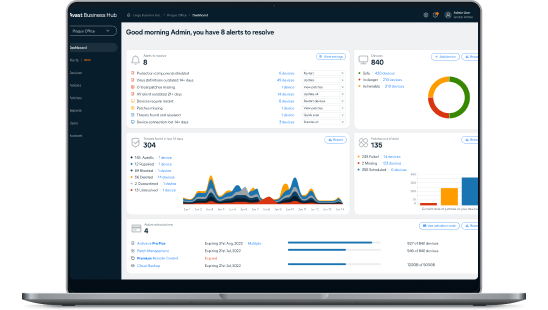
Try the Avast Business Hub FREE for 30 days

Enjoy enterprise-grade security whatever the size of your business. Download the Avast Business Hub and try it for 30 days, risk-free.

protection-against-linux-ransomware

What is Linux ransomware?

En términos generales, el ransomware en Linux es un tipo de malware que puede atacar sistemas basados en el sistema operativo Linux (incluyendo distribuciones como Ubuntu y Debian). Este tipo de ataque se infiltrará en un dispositivo o red, identificará los documentos importantes y los cifrará. A menudo, la primera vez que se advierte un ataque es cuando se envía un mensaje exigiendo un pago por la devolución de los archivos cifrados. Para un individuo esto es aterrador, pero para una empresa podría causar potencialmente un daño irreparable a las operaciones y a la confianza de los clientes.

Is Linux safe?

While Linux has a reputation for providing strong security measures, making it a popular option for business servers, the truth is that no operating system (OS) is completely safe from malware attacks. The nature of malware is such that human error can often be the cause of a breach – through phishing, using weak passwords, or failing to implement updates when they are available.

One of the positives for Linux users is that security updates are not only regular, but are generally considered to be highly effective, giving your system some of the best OS security available.

Another positive is that Linux automatically assigns restricted access permissions, meaning that if a malicious hacker gains access to a user account, it is less likely they will be able to access secure data or gain admin controls.

Windows and Mac operating systems are more widely used than Linux, but bad actors know that Linux is growing in popularity as the system for business servers. By gaining access to a Linux system, hackers are much more likely to be accessing a server rather than a single endpoint. For this reason, businesses should not be complacent – you must use antivirus software to reduce the risk of being attacked.

Ransomware on Linux: What happens?

Linux ransomware is an increasing concern for businesses using Linux servers. Understanding the process is vital for being able to spot suspicious network activity and other red flags. The approach from attackers varies, but the following represents the typical stages of a Linux ransomware attack.

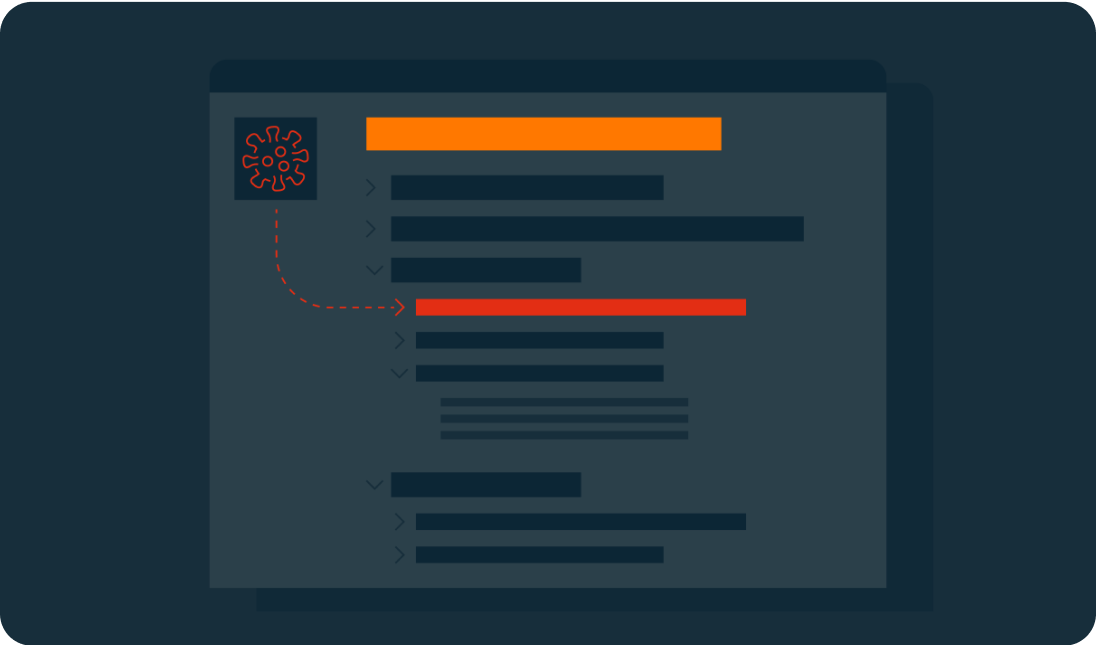
1. Exploit vulnerabilities

To access a network and spread, Linux ransomware generally relies on the identification of vulnerabilities. This could be as simple as an unpatched system process or a flaw in a service. The vulnerability may not impact daily use and could easily go unnoticed.

Some forms of Linux ransomware will use scanners to identify SQL injection vulnerabilities that could provide admin access. Applying updates and fixes is critical to ensure that known vulnerabilities are patched.

Initializing the ransomware

2. Set up

Once the ransomware is in place, it will request the download of malicious executables (typically a worm, Trojan, or virus), which can then be positioned in the network’s local directories. At this point, it will begin to function. This could mean giving itself certain access permissions and the ability to run at boot or in recovery mode.

In some cases, the ransomware will use privilege escalation to access features typically used only by high-level administrators. This bypass means that the malware could view and edit any data.

Key generation and exchange

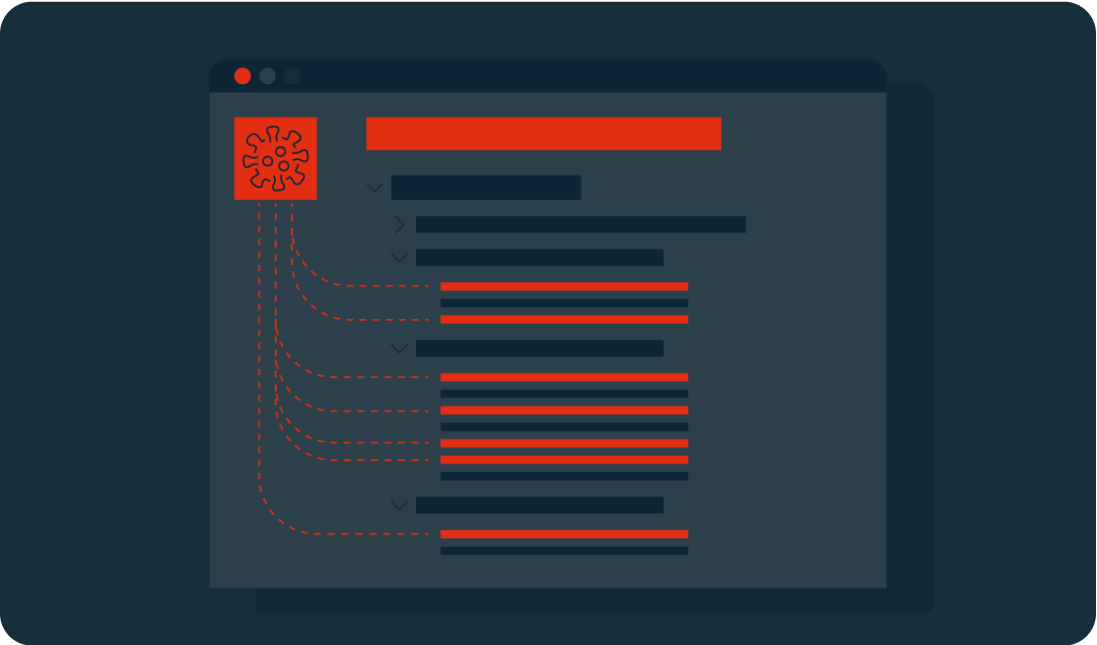
3. Scan

The ransomware will scan the system looking for shared folders and files with specific extensions. These targets are predetermined and are likely to include document files (.PDF, .DOC) and software related to the cloud or network storage.

The malware may still not have been noticed by your business, but it could have established itself on your server and already targeted the files it will hold for ransom.

Encryption

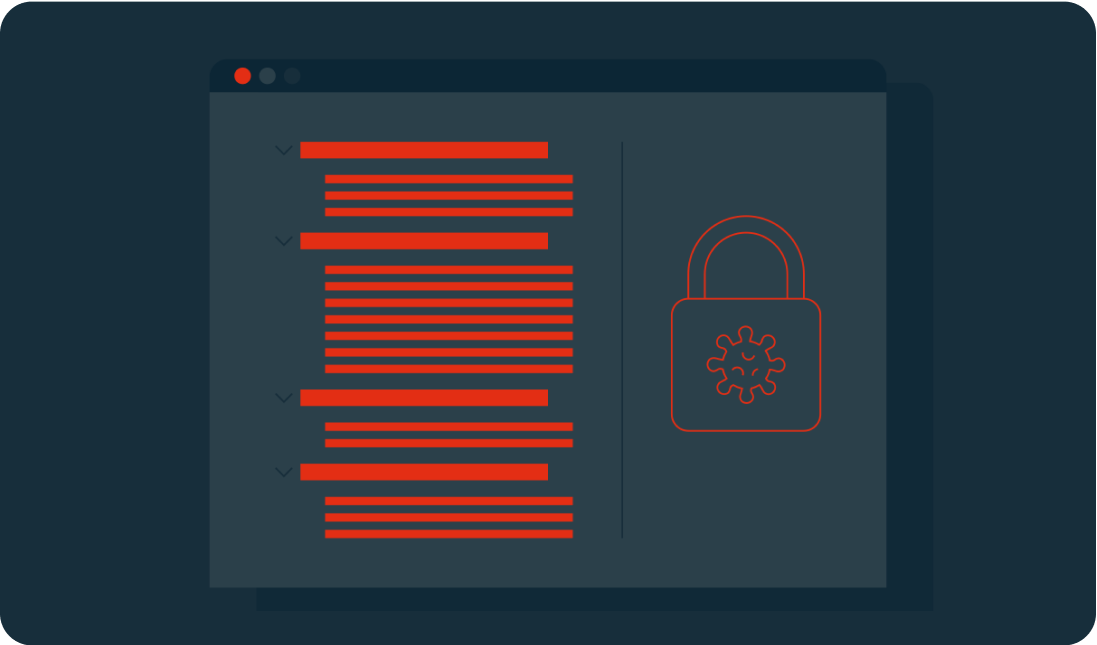
4. Encrypt

At this stage of attacking a Linux system, the ransomware will create an encrypted version of the target files, removing the original. Depending on the type of encryption used, this could be irreversible.

Many encryption methods are known as asymmetric, as they use a pair of keys to encrypt and decrypt data. Typically, one key is public and visible, but the other is private and held only by the creator. The ransomware will contact the cybercriminal’s server to get a public key to begin the encryption process.

Demands

If devices are not connected to the network at this point, the attacker will wait until the users are back online before also encrypting their files.
Common types of encryption include:

  • AES – the Advanced Encryption Standard (Rijndael) is a standard created by the U.S. National Institute of Standards and Technology. Keys can be 128, 192, or 256 bits (the higher the number is, the more complex the encryption).
  • RSA – is a public-key system that was developed in 1977. Its name is an acronym of its three creators: Rivest-Shamir-Adleman. They are typically 1024 or 2048 bits long, making them difficult to break.

5. Demands

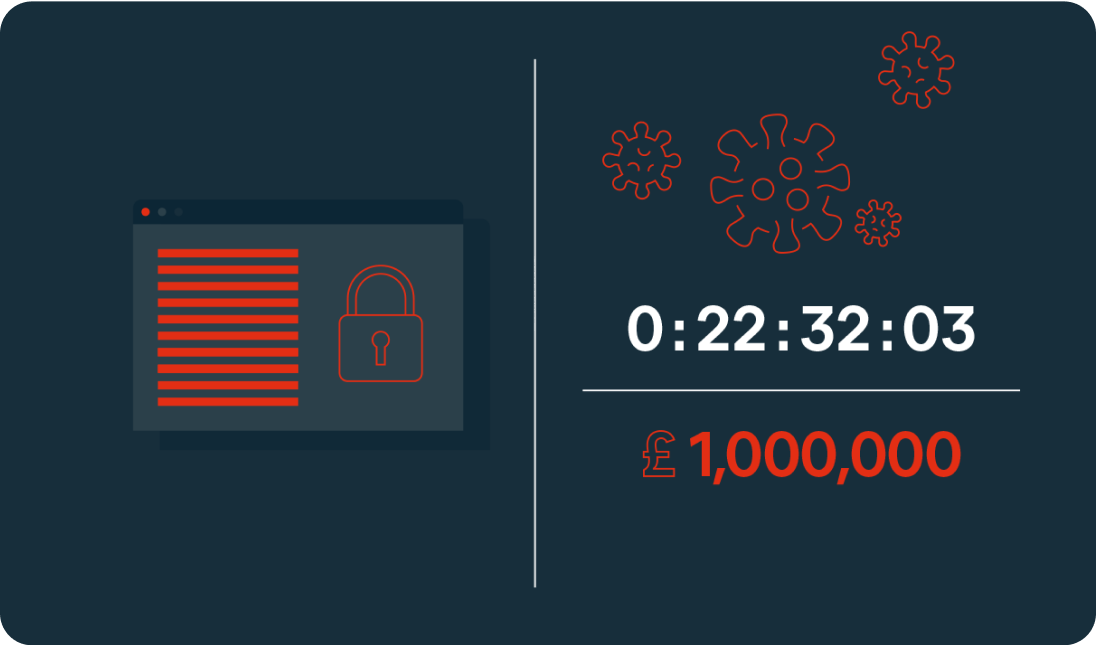
In the final stage, the demands of the extortion are made through a ransom note. This may be in the form of a startup message, a document placed on a desktop, or in the location of the encrypted files. The ransom will usually include payment instructions. Some will also include a deadline or countdown, which could see the ransom increase over time or threaten permanent file deletion if payment is not made in time.

At this point, the ransomware has completed its task.

Sodinokibi Decryption

Types of Linux ransomware

Tycoon

The first instance of Tycoon was spotted in 2019. It is typically used to attack SMBs and higher education organizations. It can infect both Linux and Windows devices.

System access is gained through a ZIP archive containing a malicious Java image file. An unsecured remote desktop protocol is then used to execute the Java object, which will encrypt the system and leave a ransom note.

Attacks typically offer a 60-hour window for payment via Bitcoin. In some cases, the amount increases daily.

QNAPCrypt

This attack focuses on Linux-based network-attached storage (NAS) devices. Distribution is typically through fake updates and infected files, including ZIP archives.

QNAPCrypt’s point of entry is flawed authentication of a SOCKS5 proxy (an alternative to a VPN that protects data packets during transfer) and has a low detection rate. Once a system is compromised, the malware requests a Bitcoin wallet and a public RSA key from the hacker’s server before encrypting the victim’s data.

Once encryption is complete, the ransom information is left in a .txt file. Each victim is given a unique Bitcoin wallet in which to pay the ransom, helping the attackers avoid detection.

RansomEXX

RansomEXX (también conocido como Defrat777) se ha convertido en una de las formas más comunes de ransomware en dispositivos Linux en los últimos años. Comenzó como un malware para Windows, pero se ha utilizado cada vez más para atacar servidores Linux, sobre todo contra el Gobierno brasileño, el Departamento de Transporte de Texas y el Hospital Universitario de Brno en la República Checa.

Este tipo de ransomware se conoce como un «cazador de grandes cantidades»: se suele utilizar para atacar a grandes organizaciones y gobiernos en un intento de conseguir grandes pagos de rescate. En lugar de atacar varios puntos finales, el malware se dirige directamente al servidor, restringiendo el acceso a los archivos en su origen, lo que convierte a los servidores Linux en el principal objetivo de este tipo de ataques.

El RansomEXX se suele entregar a través de un correo electrónico que contiene un documento de Word malicioso. Una vez abierto, se descarga un troyano en el sistema del usuario, cifrando los archivos y generando una clave de cifrado de 256 bits. La clave se vuelve a cifrar cada segundo.

Erebus

Erebus was first seen in 2016 as a Windows-based ransomware. It was used for the first time against Linux systems in 2017 for a high-profile attack on the South Korean web hosting company NAYANA. 153 Linux servers and more than 3,400 business websites were affected. The ransom of $1 million in Bitcoin set a record at the time for the highest fee paid.

Erebus relies on the user clicking on malicious links or opening infected emails attachments. It can also gain access to a system through malicious software, such as fake installers.

The ransomware scans for a wide range of file types to encrypt including databases, archives, and documents. The encryption process used is difficult to crack, as it uses a blend of three different cryptosystems (RSA-2048, AES and RC4). The ransomware also deletes Shadow Volume Copies of the operating system, making recovery even harder.

KillDisk

KillDisk is another ransomware that began on Windows before being adapted to Linux. The Linux version of KillDisk encrypts each file with a different set of 64-bit encryption keys. It then prevents the system from booting by overwriting the bootloader, instead presenting the user with a full-screen ransom note demanding payment in Bitcoin.

The Linux version of KillDisk then varies from Windows: The keys required to decrypt the data are not stored locally or sent to a server during a Linux attack, meaning that the encryption tool was most likely written to be destructive rather than for extortion. If no encryption key exists, the files are unlikely to ever be recovered, regardless of whether the ransom is paid.

Protect against Linux ransomware

El ransomware para Linux es una amenaza creciente, especialmente para los usuarios empresariales. Entre las medidas que debe tomar para proteger su empresa contra los ataques de ransomware se incluyen:

  • Instale las actualizaciones regularmente. Todos los servidores y puntos finales deben mantenerse actualizados. Los parches de seguridad y las correcciones de software deben instalarse siempre en cuanto estén disponibles.
  • Restringir los permisos de acceso. Los permisos de las cuentas de usuario deben, por política, mantenerse al mínimo. Todo el mundo tiene acceso solo a los archivos y aplicaciones necesarios para completar su trabajo.
  • Copia de seguridad de los datos. Mantener copias de seguridad seguras de los datos es fundamental para minimizar el daño potencial de un ataque.
  • Establecer una estrategia de seguridad. Muchos ataques se basan en el error humano para acceder a una red. Este riesgo puede reducirse significativamente aplicando una estrategia de seguridad que incluya la formación del personal, la aplicación de software de seguridad y la aplicación de las mejores prácticas en torno a las contraseñas seguras, los correos electrónicos seguros y la seguridad de los puntos finales.
  • Realizar inspecciones periódicas y evaluaciones de la vulnerabilidad. Los sistemas deben ser supervisados y evaluados cuidadosamente a intervalos regulares. Los registros de eventos deben ser revisados como parte de este proceso para identificar actividades sospechosas.
  • Disponer de un plan de respuesta. De la misma manera que una oficina tiene un plan de seguridad contra incendios, debería existir una estrategia contra el ransomware para garantizar que el personal sepa qué hacer en caso de ataque. El objetivo es minimizar los daños y garantizar una recuperación sin problemas.


Find out more in the article “How to secure your Linux server”.

Advanced antivirus for Linux servers

While Linux offers some of the best OS security available, it is not enough on its own to keep your business data and server safe and secure. Protect your company with dedicated Linux malware and endpoint protection.

Avast recommends using the FREE Chrome™ internet browser.