

1. Voor bedrijven
  2. Resources
  3. Protection against linux ransomware

Linux ransomware: How to protect your business

Protecting your business from ransomware is challenging, particularly when a variety of operating systems are in use, each with their own levels of security and risk. With employees likely to be using a combination of Windows, MacOS, Linux and mobile operating systems, it can be difficult to be sure your business security is consistent.

This article looks at Linux ransomware: What it is, how much security it offers, the different types of ransomware that target devices running Linux, and what you can do to protect against its threat.

Try the Avast Business Hub FREE for 30 days

Enjoy enterprise-grade security whatever the size of your business. Download the Avast Business Hub and try it for 30 days, risk-free.

protection-against-linux-ransomware

What is Linux ransomware?

In algemene zin is Linux-ransomware een vorm van malware die systemen kan aanvallen die zijn gebaseerd op het besturingssysteem Linux (waaronder distributies als Ubuntu en Debian). Bij dit type aanval wordt een apparaat of netwerk geïnfiltreerd, waarna belangrijke documenten worden opgespoord en versleuteld. Vaak wordt een aanval voor het eerst opgemerkt wanneer een bericht wordt verstuurd waarin betaling wordt geëist voor de teruggave van de versleutelde bestanden. De gewone gebruiker schrikt zich wild, maar bij een bedrijf kan het onherstelbare schade toebrengen aan de bedrijfsvoering en het vertrouwen van de klant.

Is Linux safe?

While Linux has a reputation for providing strong security measures, making it a popular option for business servers, the truth is that no operating system (OS) is completely safe from malware attacks. The nature of malware is such that human error can often be the cause of a breach – through phishing, using weak passwords, or failing to implement updates when they are available.

One of the positives for Linux users is that security updates are not only regular, but are generally considered to be highly effective, giving your system some of the best OS security available.

Another positive is that Linux automatically assigns restricted access permissions, meaning that if a malicious hacker gains access to a user account, it is less likely they will be able to access secure data or gain admin controls.

Windows and Mac operating systems are more widely used than Linux, but bad actors know that Linux is growing in popularity as the system for business servers. By gaining access to a Linux system, hackers are much more likely to be accessing a server rather than a single endpoint. For this reason, businesses should not be complacent – you must use antivirus software to reduce the risk of being attacked.

Ransomware on Linux: What happens?

Linux ransomware is an increasing concern for businesses using Linux servers. Understanding the process is vital for being able to spot suspicious network activity and other red flags. The approach from attackers varies, but the following represents the typical stages of a Linux ransomware attack.

1. Kwetsbaarheden benutten

Linux-ransomware verspreidt zich in het algemeen door slim gebruik te maken van gevonden kwetsbaarheden. Deze kunnen bijvoorbeeld het gevolg zijn van een ongepatcht systeemproces of een fout in een service. Dit soort kwetsbaarheden heeft vaak geen gevolgen voor het dagelijkse gebruik en blijft daardoor makkelijk onopgemerkt.

Sommige vormen van Linux-ransomware gebruiken scanners om kwetsbaarheden rondom SQL-injectie op te sporen waarmee beheertoegang kan worden verkregen. Het toepassen van updates en fixes is van cruciaal belang om ervoor te zorgen dat bekende kwetsbaarheden worden gepatcht.

Initializing the ransomware

2. Set up

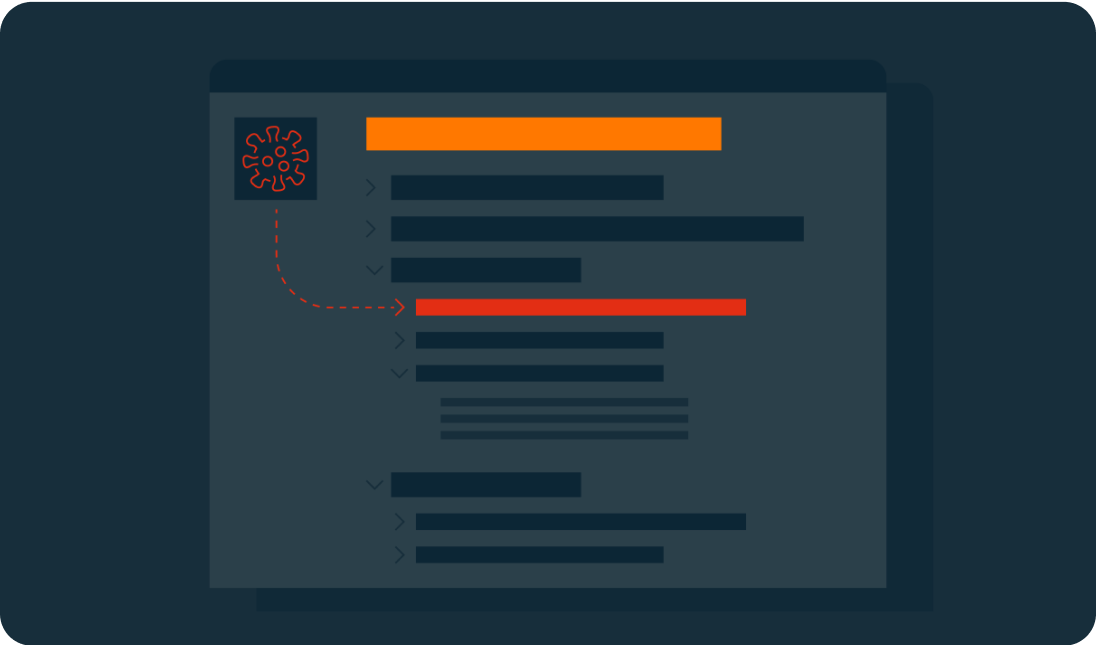
Once the ransomware is in place, it will request the download of malicious executables (typically a worm, Trojan, or virus), which can then be positioned in the network’s local directories. At this point, it will begin to function. This could mean giving itself certain access permissions and the ability to run at boot or in recovery mode.

In some cases, the ransomware will use privilege escalation to access features typically used only by high-level administrators. This bypass means that the malware could view and edit any data.

Key generation and exchange

3. Scan

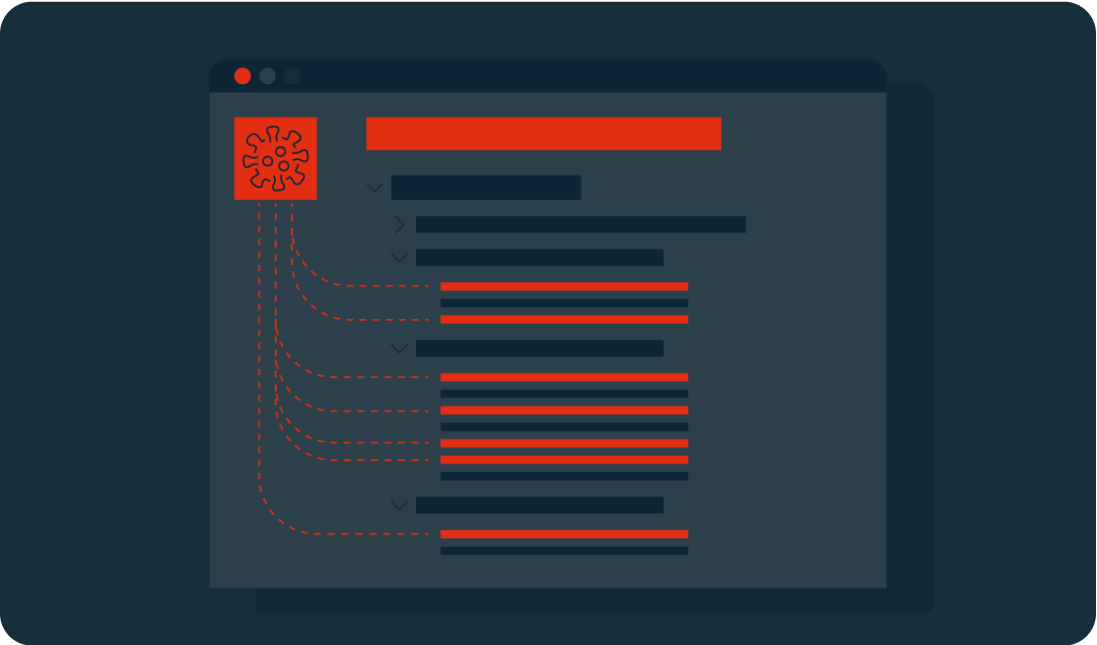
The ransomware will scan the system looking for shared folders and files with specific extensions. These targets are predetermined and are likely to include document files (.PDF, .DOC) and software related to the cloud or network storage.

The malware may still not have been noticed by your business, but it could have established itself on your server and already targeted the files it will hold for ransom.

Encryption

4. Versleutelen

In dit stadium van de aanval op een Linux-systeem wordt er een versleutelde versie van de doelbestanden gegenereerd, waarna het origineel wordt verwijderd. Afhankelijk van het gebruikte type versleuteling kan dit onomkeerbaar zijn.

Veel versleutelingsmethoden staan bekend als asymmetrisch, aangezien ze één paar sleutels gebruiken om de gegevens te versleutelen en te ontsleutelen. Gewoonlijk is één sleutel openbaar en zichtbaar, maar de andere is privé en alleen in het bezit van de maker. De ransomware neemt contact op met de server van de cybercrimineel om een publieke sleutel op te halen waarmee het versleutelingsproces kan worden gestart.

Demands

If devices are not connected to the network at this point, the attacker will wait until the users are back online before also encrypting their files.
Common types of encryption include:

  • AES – the Advanced Encryption Standard (Rijndael) is a standard created by the U.S. National Institute of Standards and Technology. Keys can be 128, 192, or 256 bits (the higher the number is, the more complex the encryption).
  • RSA – is a public-key system that was developed in 1977. Its name is an acronym of its three creators: Rivest-Shamir-Adleman. They are typically 1024 or 2048 bits long, making them difficult to break.

5. Demands

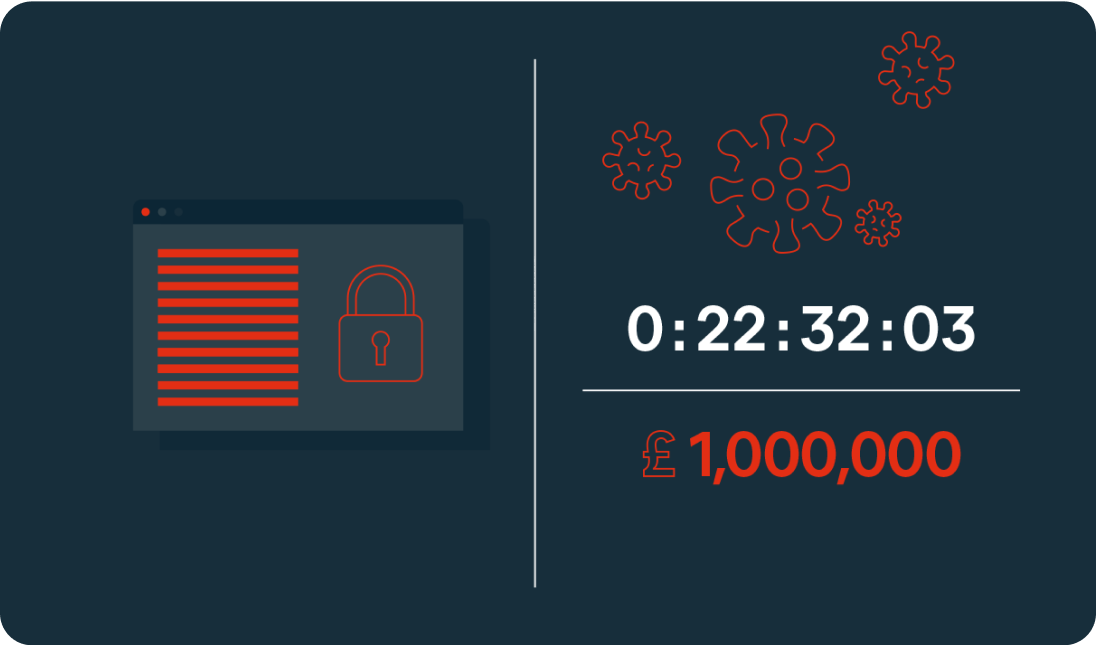
In the final stage, the demands of the extortion are made through a ransom note. This may be in the form of a startup message, a document placed on a desktop, or in the location of the encrypted files. The ransom will usually include payment instructions. Some will also include a deadline or countdown, which could see the ransom increase over time or threaten permanent file deletion if payment is not made in time.

At this point, the ransomware has completed its task.

Sodinokibi Decryption

Types of Linux ransomware

Tycoon

The first instance of Tycoon was spotted in 2019. It is typically used to attack SMBs and higher education organizations. It can infect both Linux and Windows devices.

System access is gained through a ZIP archive containing a malicious Java image file. An unsecured remote desktop protocol is then used to execute the Java object, which will encrypt the system and leave a ransom note.

Attacks typically offer a 60-hour window for payment via Bitcoin. In some cases, the amount increases daily.

QNAPCrypt

This attack focuses on Linux-based network-attached storage (NAS) devices. Distribution is typically through fake updates and infected files, including ZIP archives.

QNAPCrypt’s point of entry is flawed authentication of a SOCKS5 proxy (an alternative to a VPN that protects data packets during transfer) and has a low detection rate. Once a system is compromised, the malware requests a Bitcoin wallet and a public RSA key from the hacker’s server before encrypting the victim’s data.

Once encryption is complete, the ransom information is left in a .txt file. Each victim is given a unique Bitcoin wallet in which to pay the ransom, helping the attackers avoid detection.

RansomEXX

RansomEXX (ook bekend als Defrat777) is de afgelopen jaren uitgegroeid tot een van de meest voorkomende vormen van ransomware op Linux-apparaten. Het begon als Windows-malware, maar wordt steeds vaker gebruikt om Linux-servers aan te vallen. Er zijn onder andere aanvallen uitgevoerd op de Braziliaanse overheid, het ministerie van Vervoer in Texas en het universitaire ziekenhuis van Brno in Tsjechië.

Dit type ransomware staat bekend als een "jager op groot wild" en wordt vaak gebruikt om grote organisaties en overheden aan te vallen in een poging om grote sommen losgeld binnen te hengelen. In plaats van meerdere eindpunten aan te vallen, beperkt de malware de toegang tot bestanden op de server. Daarmee vormen Linux-servers een belangrijk doelwit voor dit soort aanvallen.

RansomEXX wordt meestal afgeleverd via een e-mail met een schadelijk Word-document. Wanneer de gebruiker dit opent, wordt er een Trojaans paard gedownload op diens systeem. Daarmee worden bestanden versleuteld en wordt een 256-bits encryptiesleutel gegenereerd. Vervolgens wordt de sleutel elke seconde opnieuw versleuteld.

Erebus

Erebus was first seen in 2016 as a Windows-based ransomware. It was used for the first time against Linux systems in 2017 for a high-profile attack on the South Korean web hosting company NAYANA. 153 Linux servers and more than 3,400 business websites were affected. The ransom of $1 million in Bitcoin set a record at the time for the highest fee paid.

Erebus relies on the user clicking on malicious links or opening infected emails attachments. It can also gain access to a system through malicious software, such as fake installers.

The ransomware scans for a wide range of file types to encrypt including databases, archives, and documents. The encryption process used is difficult to crack, as it uses a blend of three different cryptosystems (RSA-2048, AES and RC4). The ransomware also deletes Shadow Volume Copies of the operating system, making recovery even harder.

KillDisk

KillDisk is another ransomware that began on Windows before being adapted to Linux. The Linux version of KillDisk encrypts each file with a different set of 64-bit encryption keys. It then prevents the system from booting by overwriting the bootloader, instead presenting the user with a full-screen ransom note demanding payment in Bitcoin.

The Linux version of KillDisk then varies from Windows: The keys required to decrypt the data are not stored locally or sent to a server during a Linux attack, meaning that the encryption tool was most likely written to be destructive rather than for extortion. If no encryption key exists, the files are unlikely to ever be recovered, regardless of whether the ransom is paid.

Protect against Linux ransomware

Linux-ransomware is een groeiende bedreiging, vooral voor zakelijke gebruikers. Gelukkig kunt u stappen ondernemen om uw bedrijf tegen ransomwareaanvallen te beschermen:

  • Installeer regelmatig updates. Alle servers en eindpunten moeten up-to-date worden gehouden. Beveiligingspatches en softwarefixes moeten altijd worden geïnstalleerd zodra ze beschikbaar zijn.
  • Beperk de toegangsrechten. Zorg ervoor dat de toegangsrechten voor gebruikersaccounts met behulp van beleid tot een minimum worden beperkt. Iedereen heeft alleen toegang tot de bestanden en toepassingen die hij nodig heeft om zijn werk uit te voeren.
  • Maak back-ups van gegevens. Het maken van veilige back-ups is essentieel om de potentiële schade van een aanval tot een minimum te beperken.
  • Stel een beveiligingsstrategie op. Bij veel aanvallen worden menselijke fouten uitgebuit om toegang te verkrijgen tot een netwerk. Dit risico kan aanzienlijk worden beperkt door een beveiligingsstrategie in te voeren die onder meer bestaat uit personeelsopleiding, installatie van beveiligingssoftware en toepassing van beste praktijken rondom sterke wachtwoorden, veilig e-mailgebruik en eindpuntbeveiliging.
  • Voer regelmatige inspecties en evaluaties van kwetsbaarheden uit. De systemen moeten regelmatig worden gecontroleerd en zorgvuldig geëvalueerd. Hierbij moeten gebeurtenislogboeken worden geïnspecteerd om verdachte activiteiten op te sporen.
  • Zorg voor een reactieplan. Elk bedrijf heeft een brandveiligheidsplan. Ook een ransomware-strategie mag niet ontbreken om ervoor te zorgen dat het personeel weet wat het moet doen in geval van een aanval. Het doel is de schade te beperken en een vlot herstel te garanderen.


Find out more in the article “How to secure your Linux server”.

Advanced antivirus for Linux servers

While Linux offers some of the best OS security available, it is not enough on its own to keep your business data and server safe and secure. Protect your company with dedicated Linux malware and endpoint protection.

Avast recommends using the FREE Chrome™ internet browser.