- Security
- Privacy
- Performance
Seamless Performance Improvements for Your Windows PC
Cleanup is a world-class PC optimizer that will make your computer faster, better, and more efficient. Download our PC performance booster today and get your computer running like new.
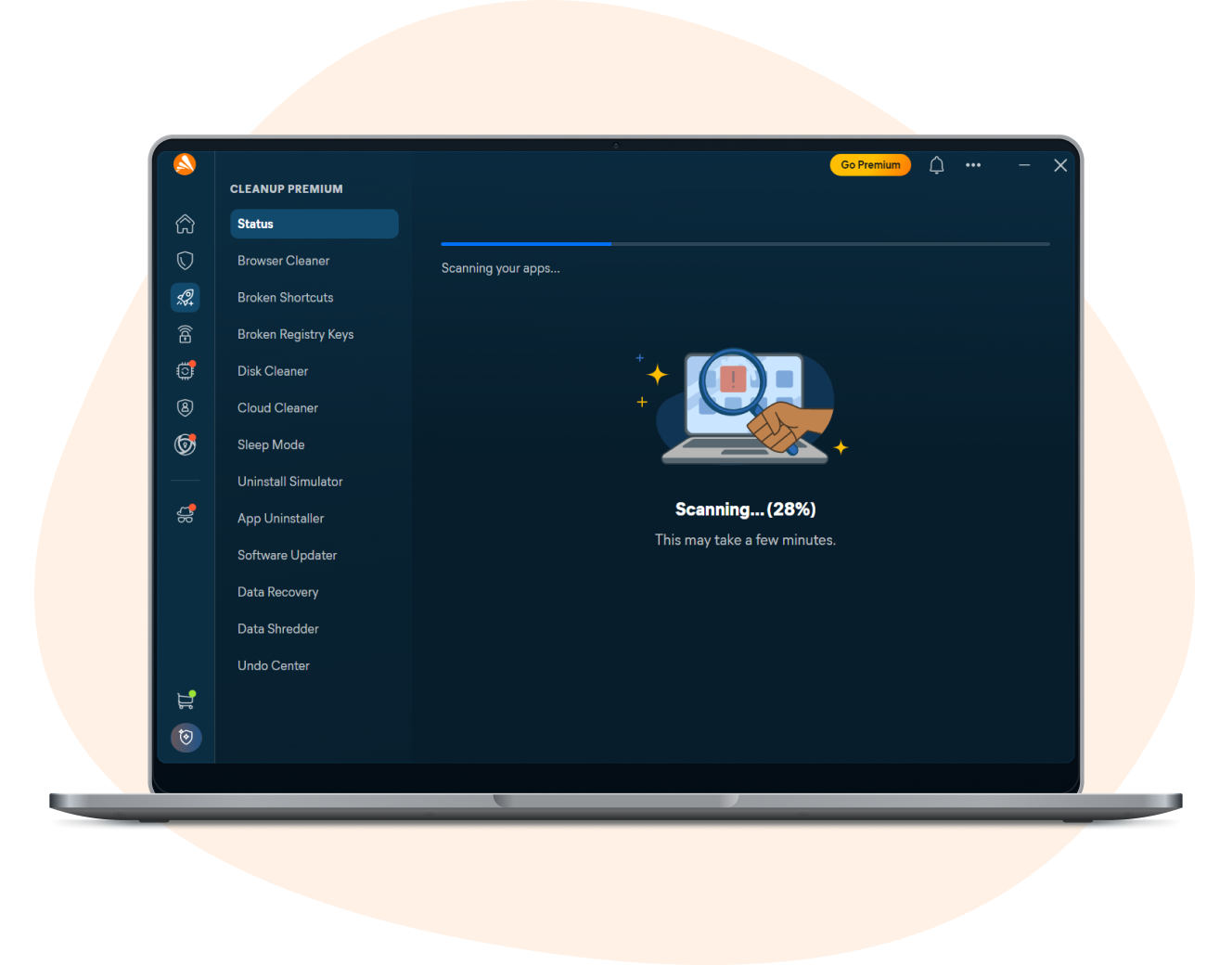

Optimize PC Performance

Free up storage space

Powerful performance tools

We have 30+ years of experience
Optimize PC performance
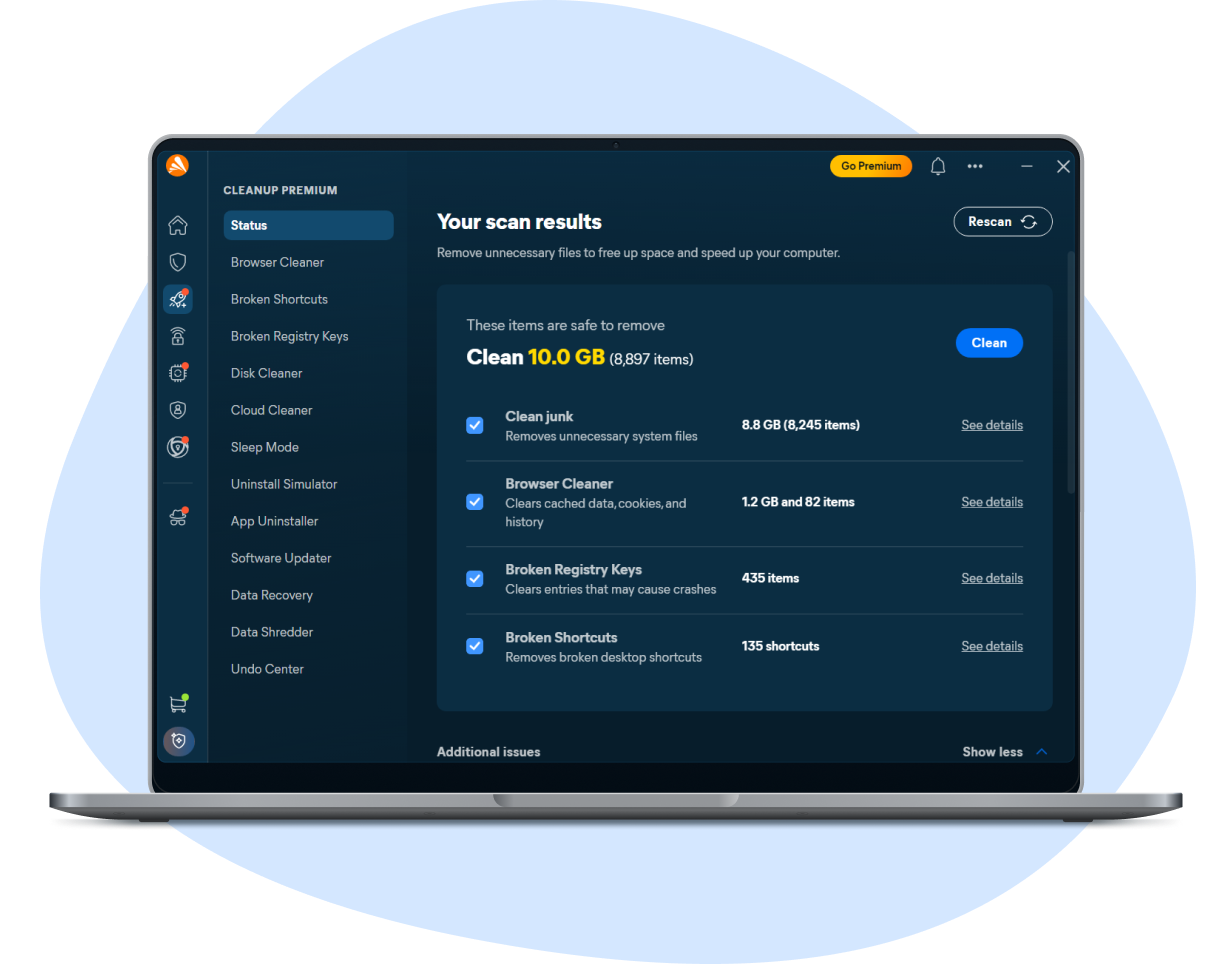
Optimize PC performance
All PCs slow down over time. But you can get yours back into shape with Cleanup — a powerful PC optimizer with the ultimate tuneup kit to give you faster speeds, more free space, and better Windows 10 and 11 performance. Download it today to harness the full power of your PC.
The benefits of our PC optimizer

Browse, game, and work faster
Put slow load times to bed with Sleep Mode, a patented feature that hibernates resource-draining apps.

Get automatic maintenance
Cleanup automatically cleans and tunes your PC from top to bottom to keep it running smoothly.

Optimize your hard disk
Our Disk Doctor feature fixes and prevents hard drive errors, and cleans your hard disk for faster file access.

Take out the digital trash
Cleanup deep-scans your PC to find and delete bloatware plus tons of junk files from your browser and apps.

Patch security holes
Keep your favorite apps updated to fix vulnerabilities before they become a problem.

Troubleshoot performance issues
Enjoy dedicated system, browser, and hard drive optimization tools to fix problems slowing you down.
Browse, game, and work faster
Put slow load times to bed with Sleep Mode, a patented feature that hibernates resource-draining apps.
Get automatic maintenance
Cleanup automatically cleans and tunes your PC from top to bottom to keep it running smoothly.
Optimize your hard disk
Our Disk Doctor feature fixes and prevents hard drive errors, and cleans your hard disk for faster file access.
Take out the digital trash
Cleanup deep-scans your PC to find and delete bloatware plus tons of junk files from your browser and apps.
Patch security holes
Keep your favorite apps updated to fix vulnerabilities before they become a problem.
Troubleshoot performance issues
Enjoy dedicated system, browser, and hard drive optimization tools to fix problems slowing you down.
How much does our PC optimizer actually help? Let’s talk numbers
Cleanup is the Windows optimizer that will improve PC performance across the board. While our lab tests are indicative only, and your results may vary, we found:

30%
faster performance
Supercharge your PC for faster browsing, streaming, and gaming.

79%
quicker startup times
Start working (or playing) right away, without wasting time waiting.

71 GB
cleaned up
Remove junk from your browser, disk, and registry for tons of extra space.

20+
browsers cleaned
Remove leftover browsing traces and cookies from all the major browsers.
Give your machine the ultimate tuneup
Whether you use Windows 11, Windows 10, Windows 8, or Windows 7, speed up your PC with our patented, breakthrough technology.
Is your computer getting slower over time?
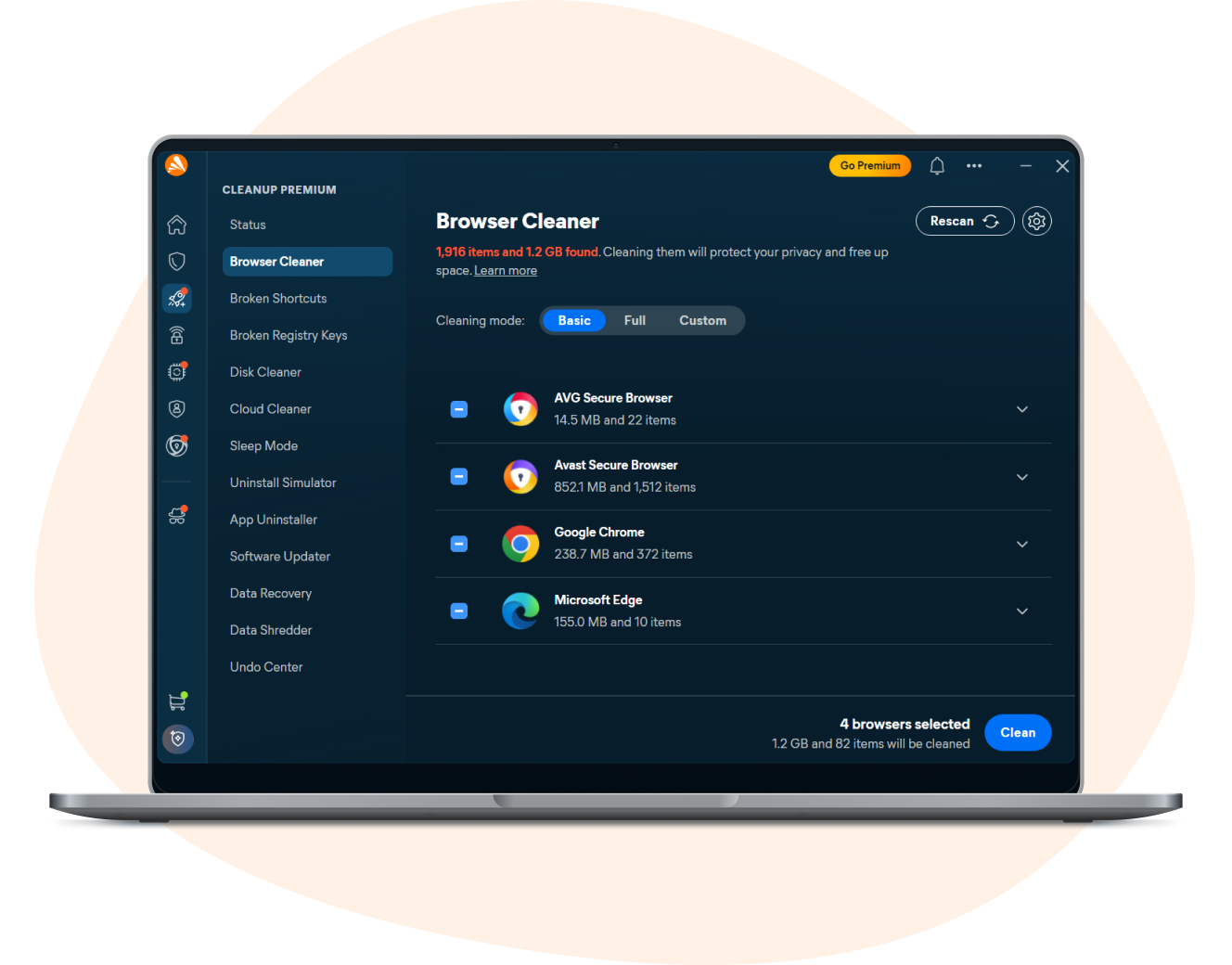
Is your computer getting slower over time?
Cleanup will revitalize your machine and speed up your PC dramatically.
Almost out of storage space?
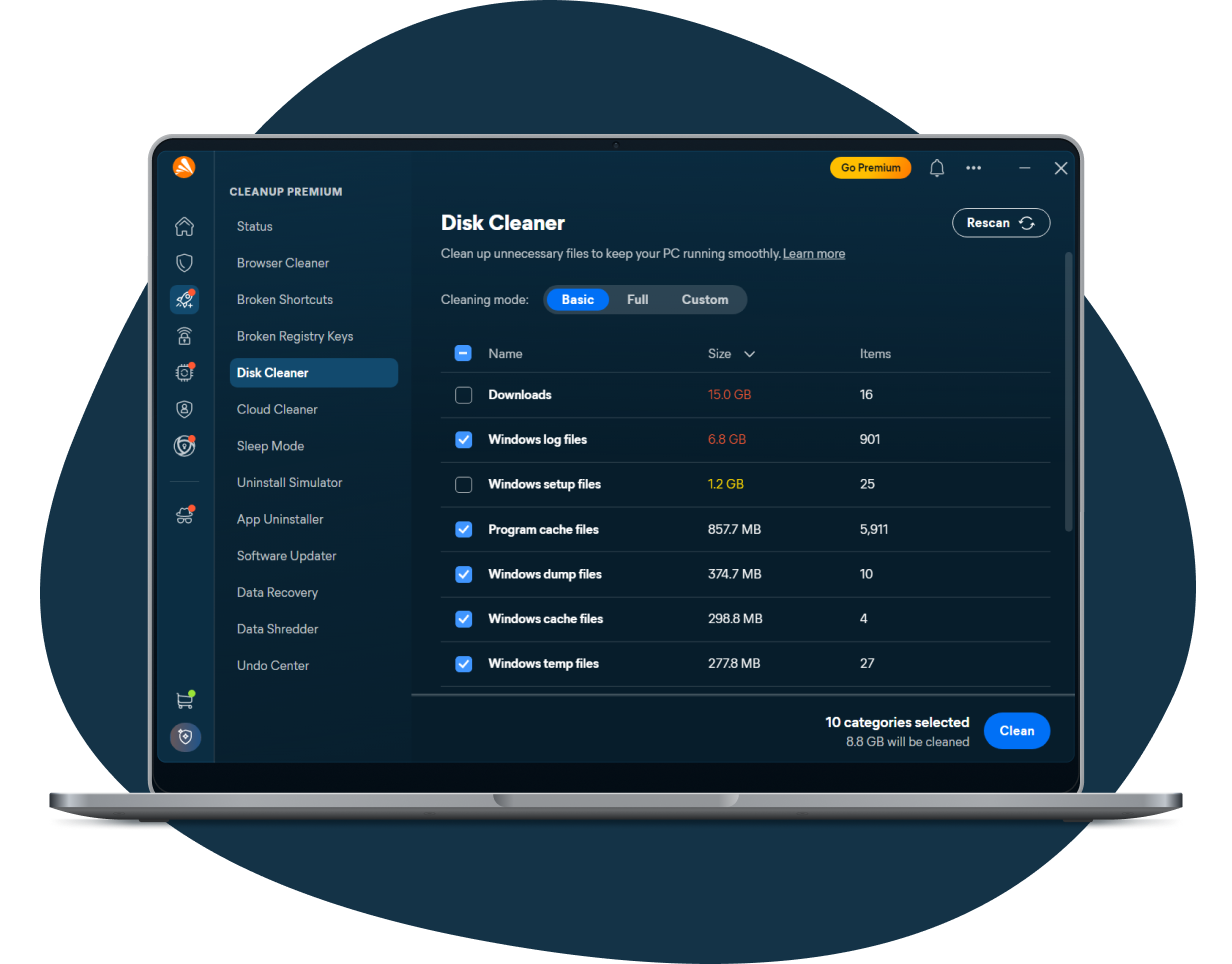
Almost out of storage space?
Cleanup will tidy up your PC by finding and removing gigabytes of leftover junk files and bloatware.
Do you have outdated apps?
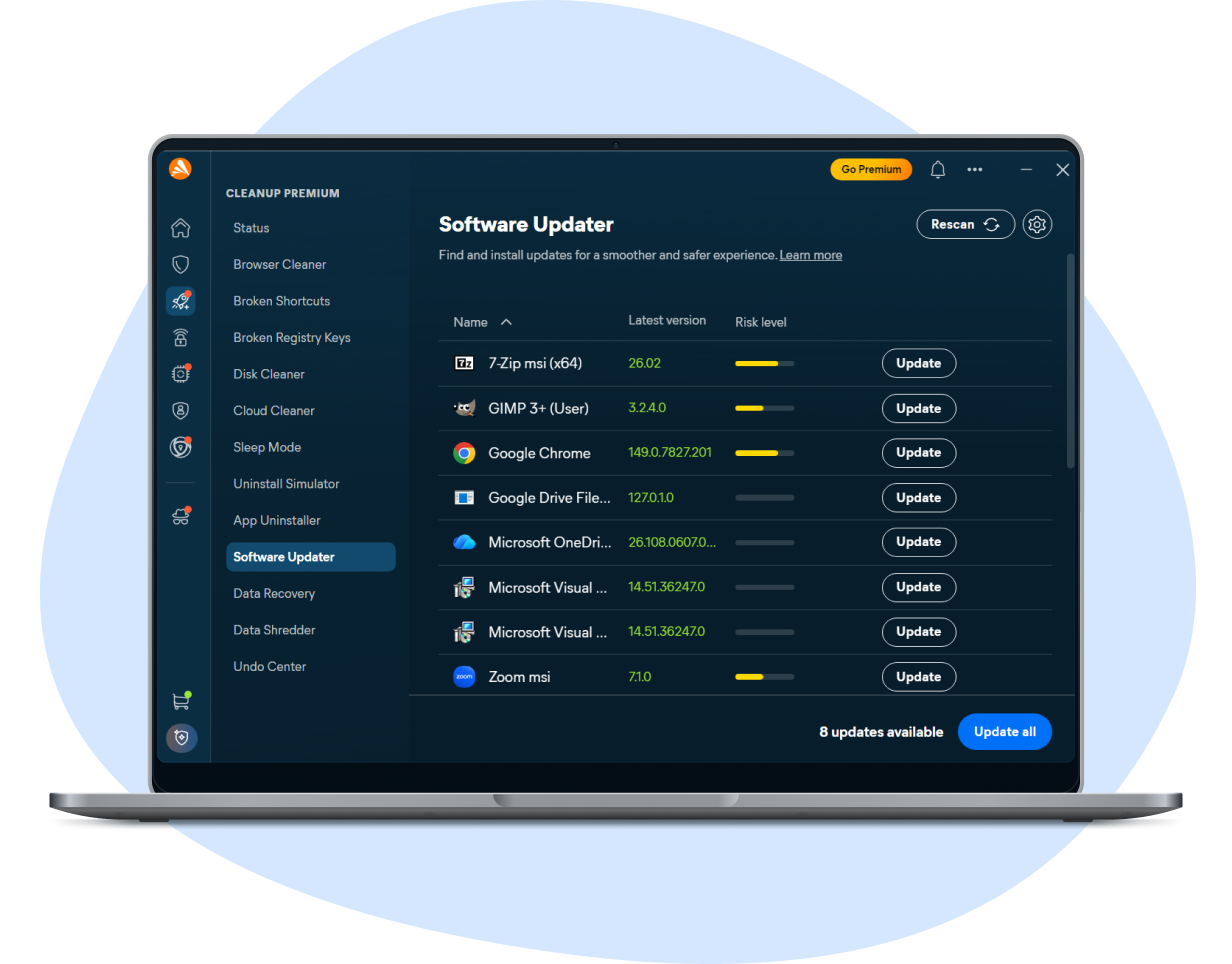
Do you have outdated apps?
Automatically update critical software to protect yourself against bugs, crashes, and security risks.
Optimize your Mac, Android, or iOS device, too
It’s not just your PC that needs a tuneup from time to time. Speed up and revamp all your devices.
Mac
Android
iOS
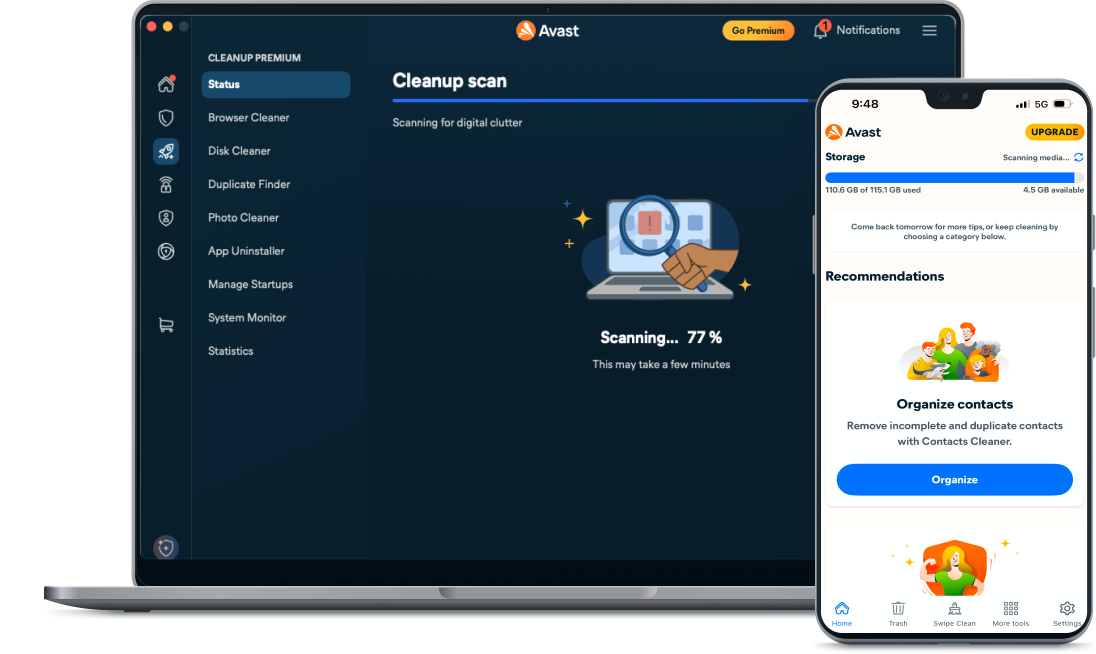
Streamline and fully optimize your Apple machine with Cleanup for Mac.
Optimize your phone and get it running up to 20% faster with Cleanup for Android.
Free up space and declutter your photo library with Cleanup for iOS.