- Security
- Privacy
- Performance
Free VPN for PC Download
Take back your online privacy and help protect your personal data with a risk-free VPN for PC. Hide your IP address, encrypt your internet connection, and access your favorite online content with the blazing-fast and easy-to-use SecureLine VPN for Windows. Download your VPN for PC today with a free 60-day trial.

True privacy

Connect securely

Access the content you love

Ultra-fast browsing
A fast and reliable VPN for Windows PCs and laptops
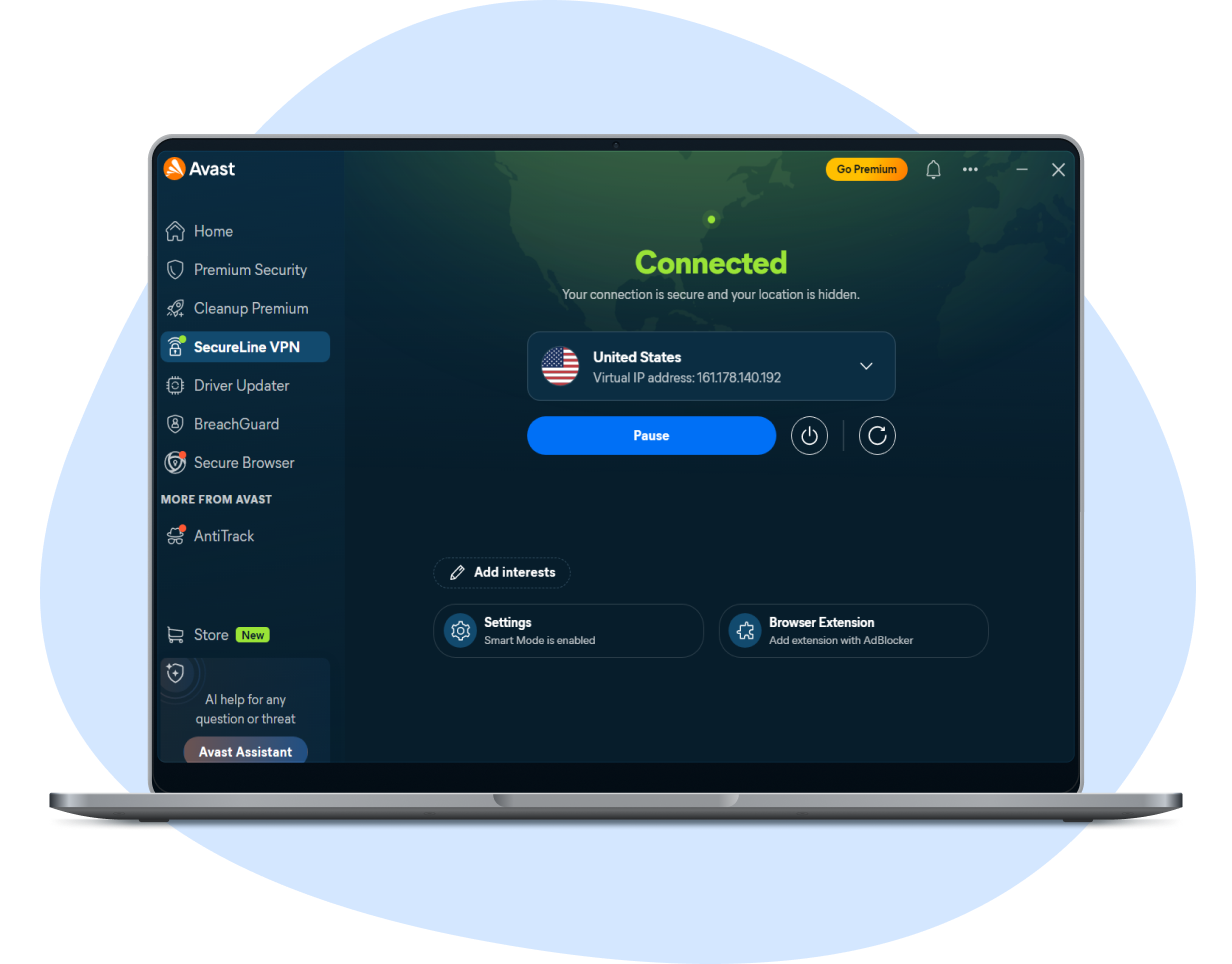
A fast and reliable VPN for Windows PCs and laptops
Get an industry-leading VPN from the company protecting over 500 million users worldwide. SecureLine VPN for Windows is your gateway to a freer, more private, and more secure internet connection. Download the Avast One app and activate your VPN for PC right now with a 60-day free trial.
The benefits of SecureLine VPN for PC include:

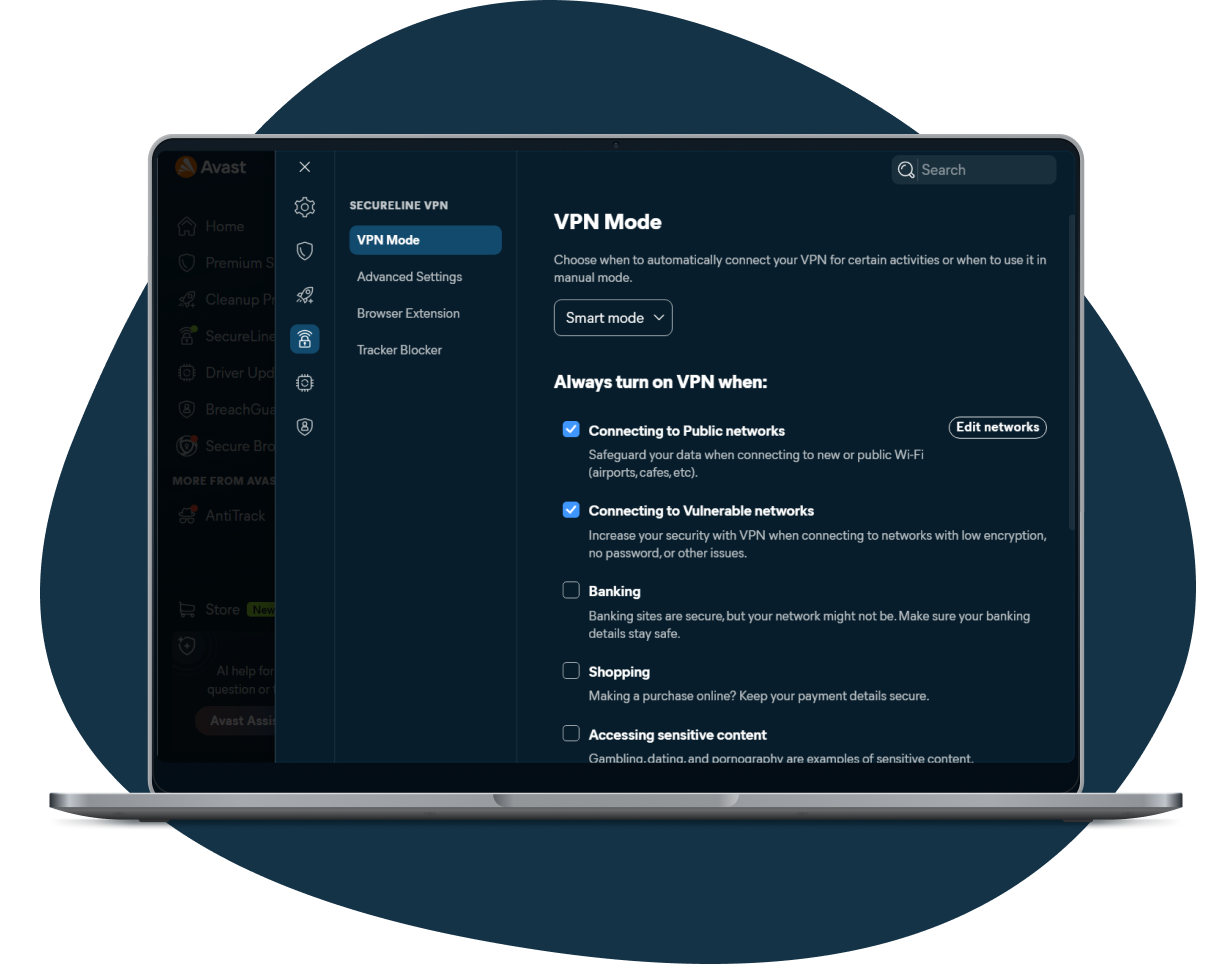
Smart VPN mode
Encrypt your internet data and auto-connect to the fastest server with our VPN software for PC.

Ultra-fast speeds
Stream, game, and download with one of the best VPNs for PC, with servers optimized for speed and reliability.

Shared IP address
Stay anonymous and hide your online activity behind a shared virtual IP address.

Access your favorite content
Get virtually unlimited bandwidth and dedicated servers for streaming and P2P file sharing.

Instant kill switch
Automatically disconnect your device from the internet if your VPN connection is disrupted.

Advanced VPN protocols
Switch between WireGuard, OpenVPN, and our proprietary Mimic protocol to optimize speed, security, and privacy.
Smart VPN mode
Encrypt your internet data and auto-connect to the fastest server with our VPN software for PC.
Ultra-fast speeds
Stream, game, and download with one of the best VPNs for PC, with servers optimized for speed and reliability.
Shared IP address
Stay anonymous and hide your online activity behind a shared virtual IP address.
Access your favorite content
Get virtually unlimited bandwidth and dedicated servers for streaming and P2P file sharing.
Instant kill switch
Automatically disconnect your device from the internet if your VPN connection is disrupted.
Advanced VPN protocols
Switch between WireGuard, OpenVPN, and our proprietary Mimic protocol to optimize speed, security, and privacy.
One of the best VPNs for PC, by the numbers
Get outstanding online security with one of the best VPN software apps for Windows. Enjoy powerful encryption, rapid speeds, and no-log privacy, without the compromises of a free VPN, like intrusive ads or feature limitations. And get access on up to 10 devices with just one account.

256-bit
AES encryption
Secure your internet connection with bank-grade encryption to help protect your data.

100+
locations in 60+ countries
Connect to any of our super-fast, super-stable VPN server locations worldwide.

2 GB
per second
Get speeds of up to 2 Gbps, with average speeds of 450-600 Mbps, even under peak demand.

10
devices at once
Protect up to 10 Windows, macOS, Android, and iOS devices at once with a single account.
Effortless privacy and security
Our VPN for desktops and laptops helps keep the data you send and receive safer whenever your computer is connected to the internet. As well as automatically connecting you to the fastest server at any given time, SecureLine VPN for Windows doesn’t track or log your online activity.
Hide your real IP address
Hide your real IP address
Help keep your online activities hidden from your ISP, hackers, and advertising companies by masking your IP address with a shared virtual IP.
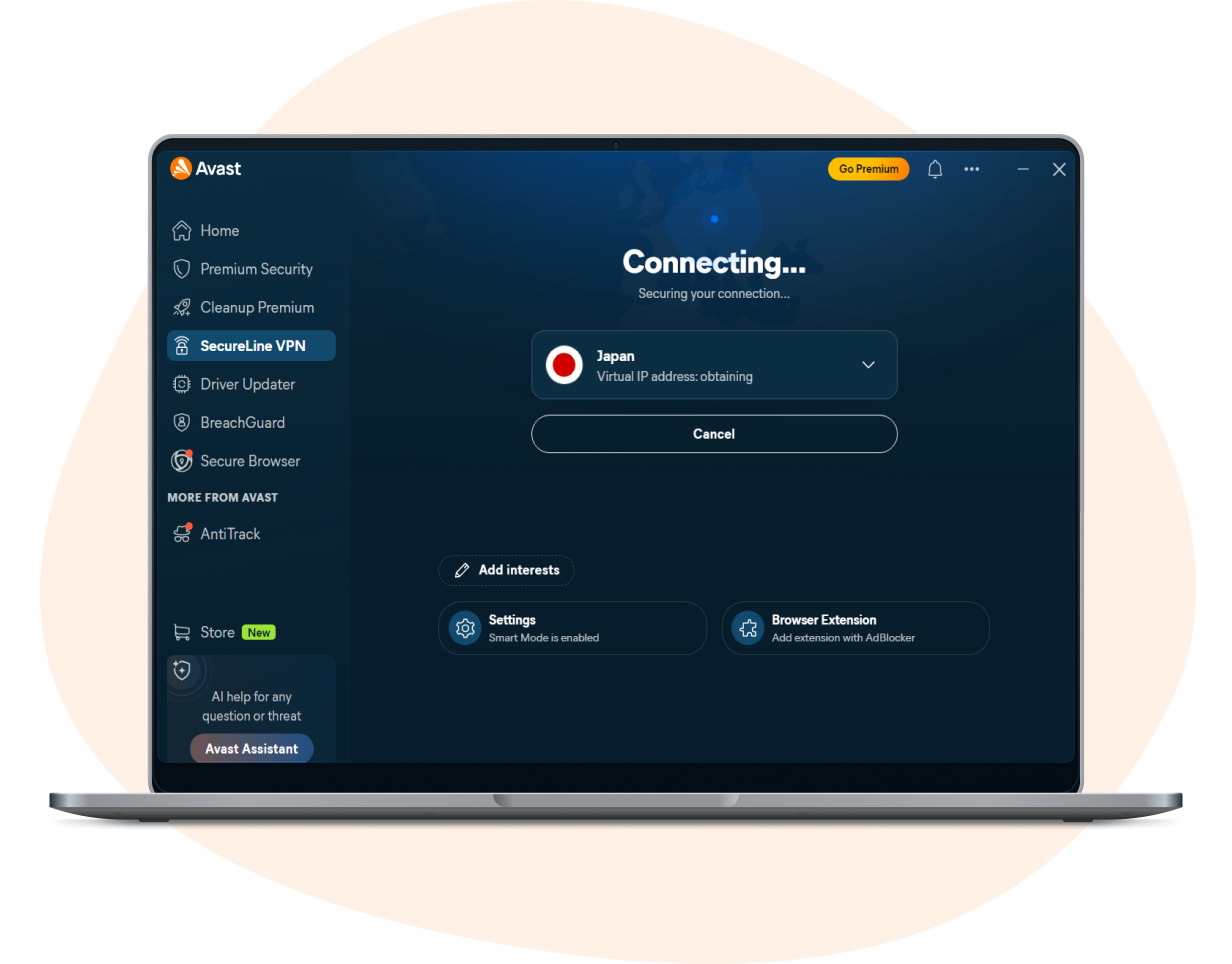
Connect instantly and automatically
Connect instantly and automatically
Automatically connect to the fastest server, or choose from over 100 server locations worldwide, including dedicated streaming and P2P servers.
Stay secure with always-on protection
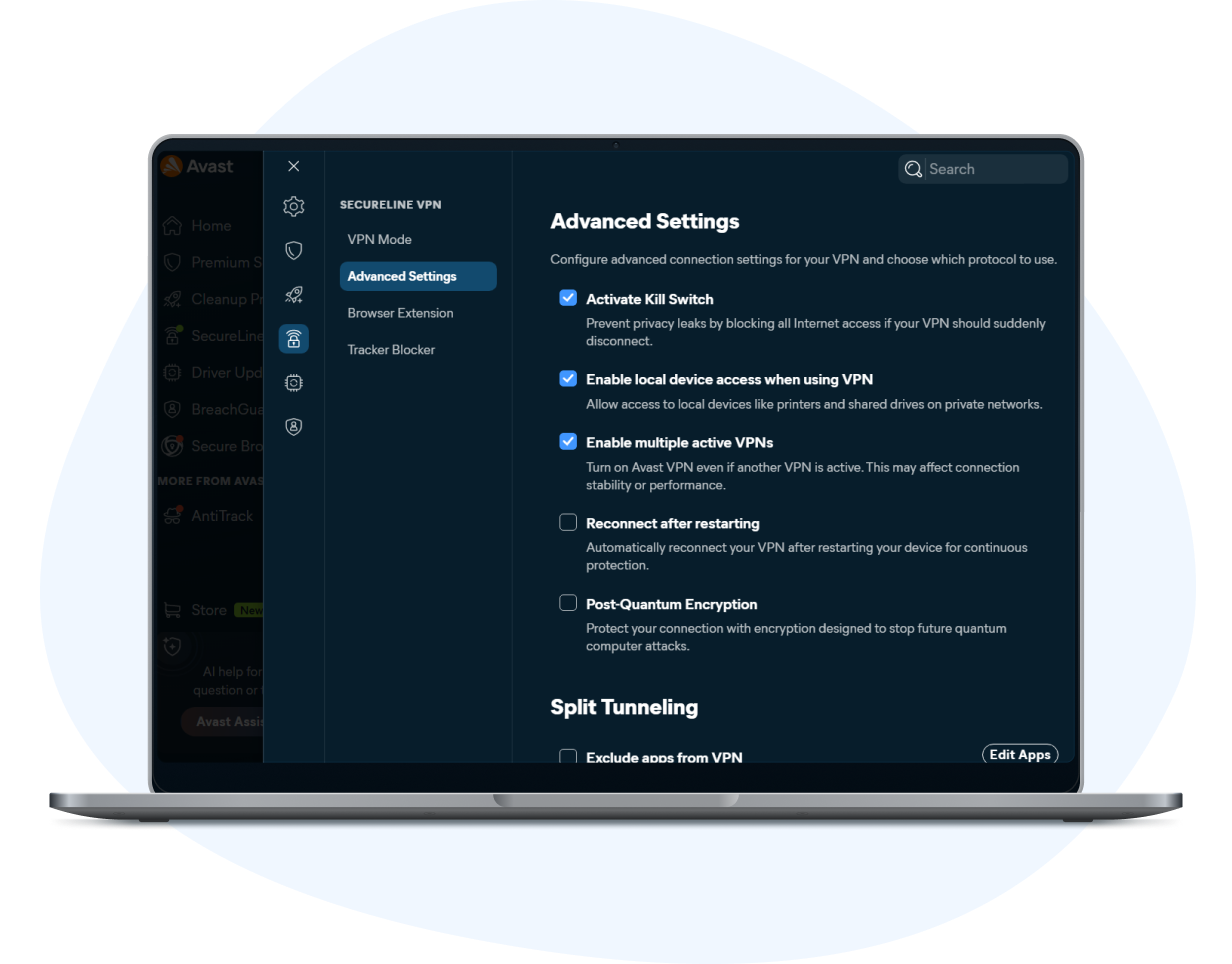
Stay secure with always-on protection
Set SecureLine VPN to auto-connect any time your PC is online. If your connection drops, the kill switch keeps your data protected by severing your internet connection until you can re-connect the VPN.
How to install SecureLine VPN for PC
Installing and setting up a VPN on your Windows PC or laptop is smooth and simple with Avast.

Step 2

Launch SecureLine VPN:
Set up the SecureLine VPN module.
Step 3

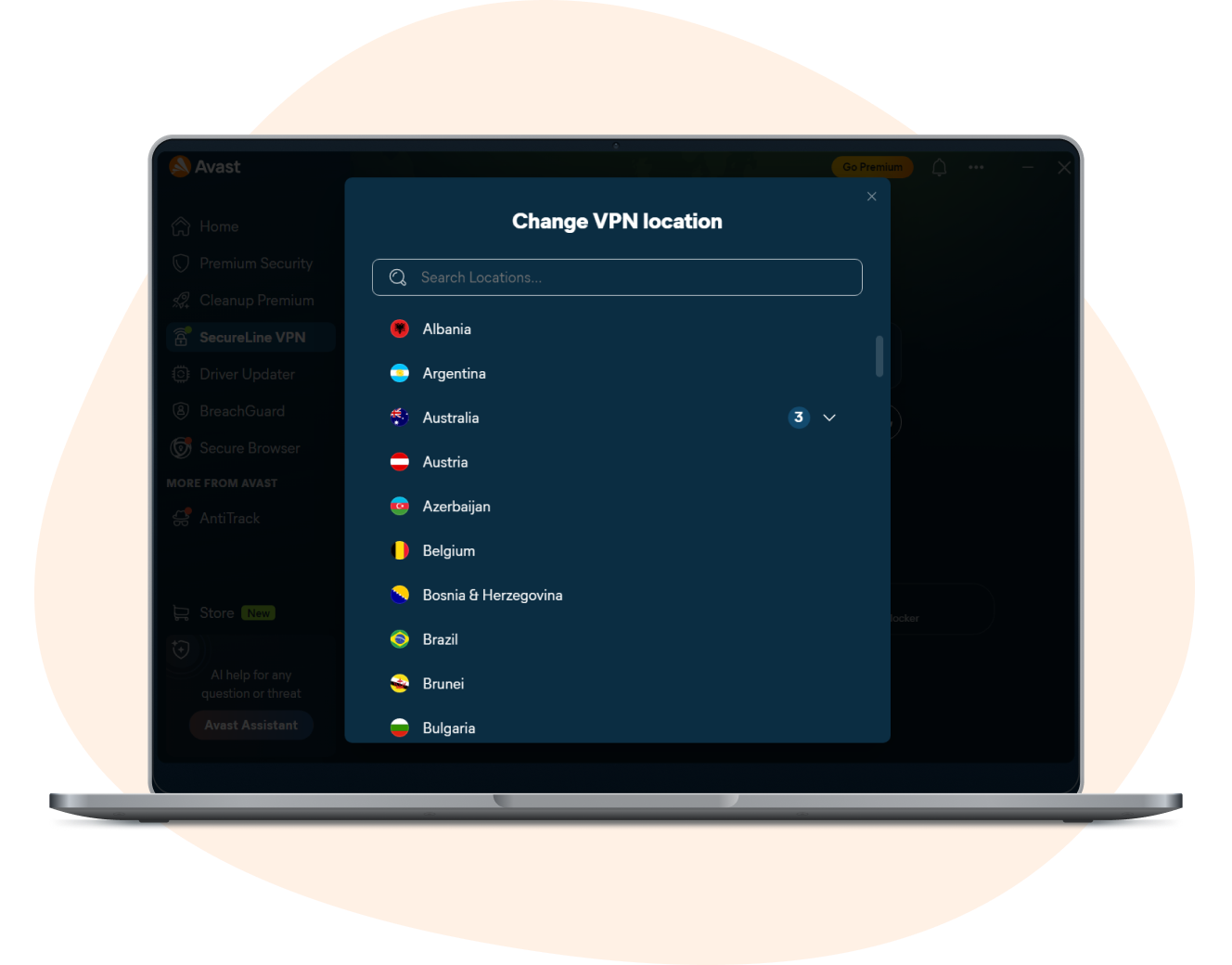
Choose a location:
Select a VPN server location to connect to.
Step 4

Connect:
Activate your VPN to enjoy a private, secure, and fast connection.
Our VPN isn't just for Windows
Secure up to 10 devices at once with just one account. Protect your PC, Mac, iPhone, Android phone, and even your Android TV.
Mac
Android
iOS
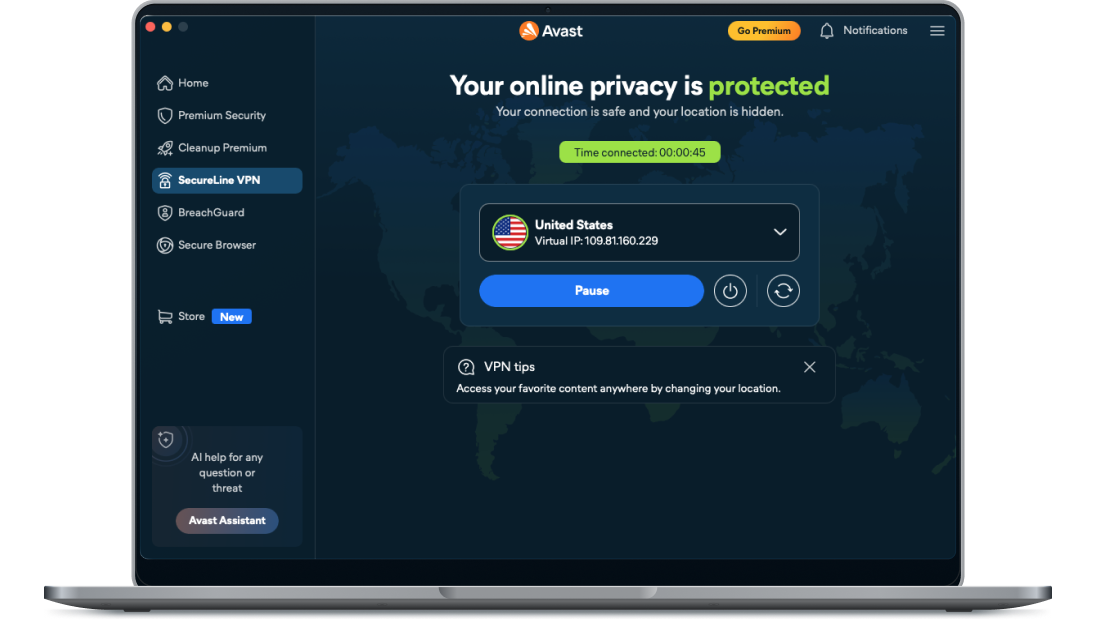
SecureLine for Mac integrates with macOS to give you Apple-approved security and privacy whenever you’re online.
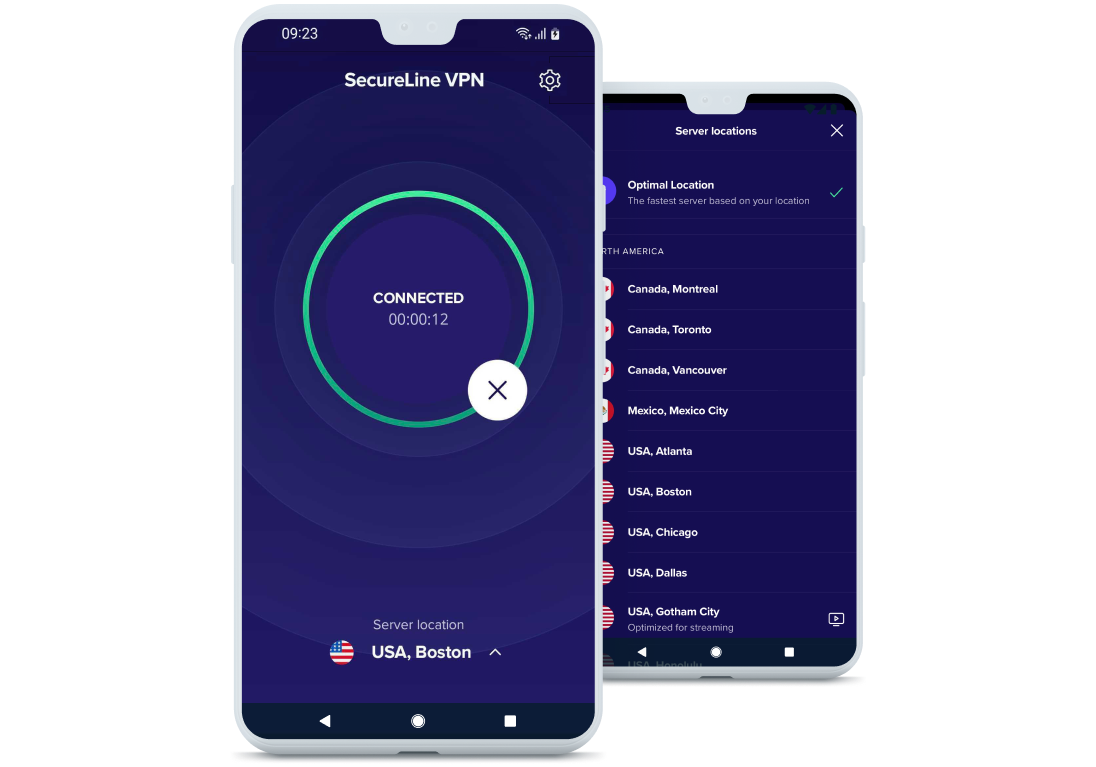
Protect your Android and stream your favorite content worry-free on your phone or Android TV with SecureLine VPN for Android.
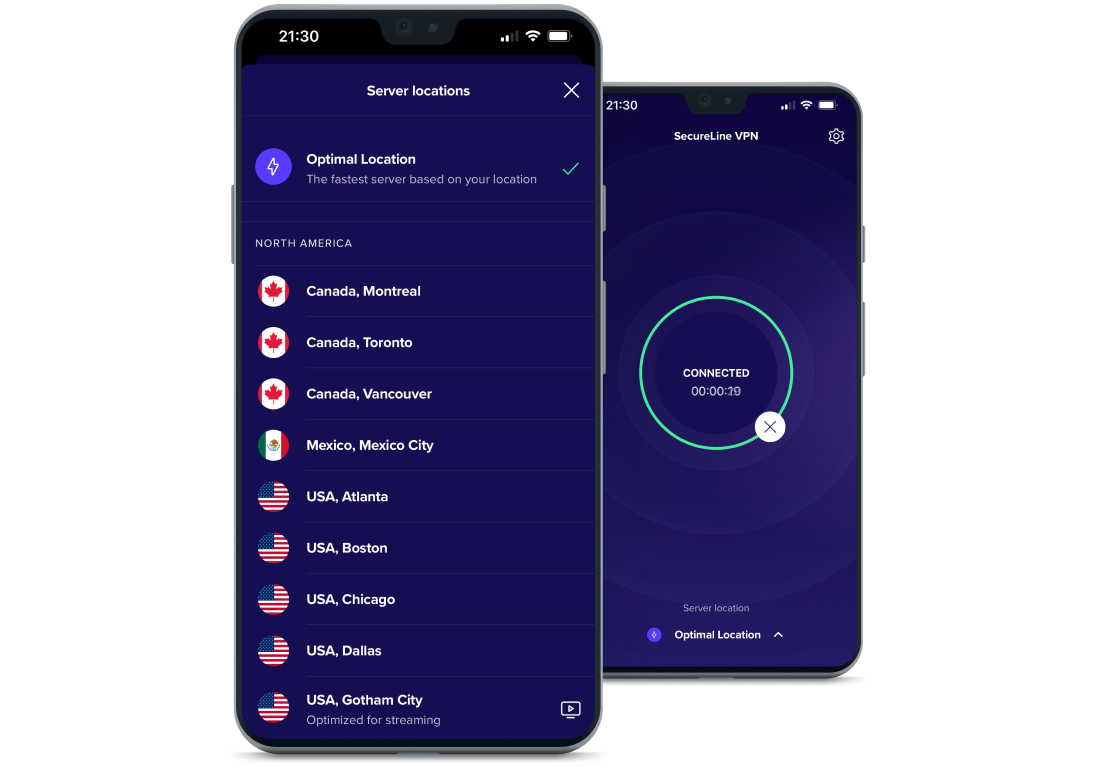
Disguise your online activity, protect your privacy, and secure your data on your iPhone with SecureLine VPN for iOS.
Other tools


